Why a Vacuum Cleaner Overheats During Use and How to Fix It
Vacuum cleaner overheating is a common issue caused by clogged filters, blocked hoses, full dustbins, or worn-out motors. Left unchecked, overheating can permanently damage your vacuum and even pose a fire hazard. This guide covers the top causes, warning signs, and practical solutions to keep your vacuum running cool and efficient.
You’re halfway through vacuuming the living room when you notice a strange burning smell. The vacuum feels hot to the touch, and then it suddenly shuts off. Sound familiar? Overheating is one of the most common problems vacuum cleaner owners face, and it’s more than just an annoyance — it can shorten your machine’s lifespan or even create a safety hazard.
The good news is that most overheating issues are preventable with a little know-how and regular maintenance. Understanding why your vacuum cleaner overheats during use is the first step toward fixing the problem and keeping your home clean without interruptions. In this guide, we’ll walk through every major cause, the warning signs you shouldn’t ignore, and the practical steps you can take to get your vacuum running cool again.
- Clogged filters are the #1 cause: Dirty or blocked air filters restrict airflow, forcing the motor to work harder and generate excess heat.
- Blocked hoses and brushes: Hair, debris, and large particles trapped in the hose or brush roll create resistance that leads to overheating.
- Full dustbin or bag: A packed dustbin reduces suction and airflow, causing the motor to overcompensate and overheat quickly.
- Worn or damaged motor: An aging motor with degraded bearings or brushes can overheat even under normal use conditions.
- Blocked exhaust vents: If the vacuum’s exhaust ports are covered or obstructed, hot air can’t escape, raising internal temperatures.
- Prevention is simple: Regular cleaning of filters, emptying the dustbin, and checking for blockages can prevent most overheating issues.
- Know the warning signs: Burning smell, unusual noises, automatic shutoff, and hot exterior surfaces all signal overheating.
📑 Table of Contents
- How a Vacuum Cleaner Works and Why Heat Builds Up
- Top Reasons Your Vacuum Cleaner Overheats
- Warning Signs Your Vacuum Is Overheating
- How to Fix an Overheating Vacuum Cleaner
- Preventing Future Overheating Issues
- When to Call a Professional or Replace Your Vacuum
- Quick Reference: Overheating Causes and Solutions
- Conclusion
How a Vacuum Cleaner Works and Why Heat Builds Up
To understand overheating, it helps to know what’s happening inside your vacuum. Every vacuum cleaner works by using an electric motor to spin a fan, which creates suction. Air gets pulled in through the intake, passes through a filtration system, and then exits through an exhaust vent. This constant airflow is what keeps the motor cool during operation.
When something disrupts that airflow — a clogged filter, a blocked hose, or a full dustbin — the motor has to work much harder to maintain suction. That extra effort generates heat. Under normal conditions, the airflow carries that heat away through the exhaust. But when airflow is restricted, heat builds up inside the unit faster than it can escape.
Think of it like running a fan in a closed room. The motor still runs, but without proper ventilation, everything gets hotter. The same principle applies to your vacuum cleaner. If you’ve ever wondered why your vacuum cleaner is making a loud noise, overheating and motor strain could be contributing factors.
Top Reasons Your Vacuum Cleaner Overheats
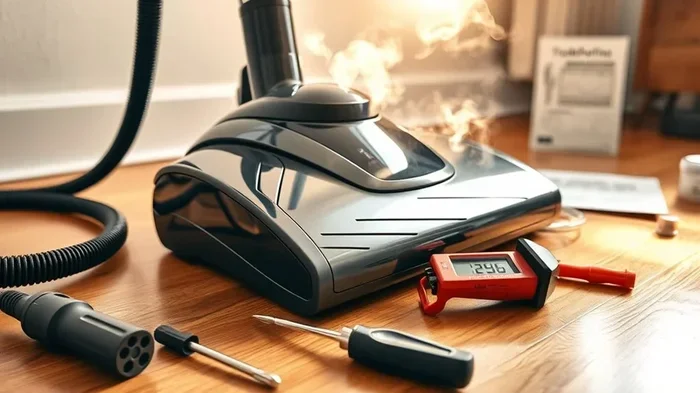
Visual guide about vacuum cleaner overheating
Image source: cleanersadvisor.com
Clogged or Dirty Air Filters
Filters are your vacuum’s first line of defense against dust and allergens, but they’re also the most common culprit behind overheating. When filters become caked with fine dust particles, air can’t pass through them freely. The motor strains to pull air through the blockage, generating significant heat in the process.
Most manufacturers recommend cleaning or replacing filters every one to three months, depending on usage. If you have pets or vacuum frequently, you may need to do it even more often. A simple way to check your filter is to remove it and hold it up to a light source. If light doesn’t pass through easily, it’s time for a cleaning or replacement. Learning how to change a vacuum cleaner filter properly can make a huge difference in performance and temperature management.
Blocked Hose or Intake Pathway
A blocked hose is another frequent cause of overheating. Over time, hair, string, small toys, pet fur, and other debris can get lodged inside the hose or at the intake opening. Even a partial blockage forces the motor to work overtime.
To check for blockages, detach the hose and look through it. You can also run a broom handle through gently to dislodge any trapped debris. If your vacuum has a detachable brush roll, check that area too — hair wrapped around the brush is a surprisingly common problem. If you’re dealing with a stubborn clog, our guide on how to unclog a vacuum cleaner hose offers step-by-step instructions.
Full Dustbin or Vacuum Bag
It sounds obvious, but many people forget to empty the dustbin or replace the bag regularly. When the collection chamber is full, there’s nowhere for the incoming air and debris to go. Suction drops, the motor compensates by drawing more power, and heat builds up rapidly.
As a general rule, you should empty a bagless vacuum after every use or when the dustbin reaches the fill line. For bagged models, replace the bag when it’s about two-thirds full. Waiting until it’s completely packed only makes the problem worse and puts unnecessary stress on the motor.
Worn Motor Brushes or Bearings
Inside every vacuum motor, carbon brushes conduct electricity to keep the motor spinning. Over time, these brushes wear down and create increased friction. Similarly, the motor’s bearings can degrade with age, causing the motor to run less efficiently and generate more heat than it should.
If your vacuum is several years old and overheating despite clean filters and clear hoses, worn motor components could be the issue. You might also notice sparking sounds or intermittent power loss. This type of repair usually requires professional service, but catching it early can prevent complete motor failure.
Blocked Exhaust Vents
While most people focus on the intake side of a vacuum, the exhaust side matters just as much. The exhaust vent is where hot air exits the machine. If it’s blocked — by being pressed against a wall, covered by furniture, or clogged with dust — the hot air gets trapped inside.
Always make sure your vacuum has adequate space around the exhaust area during use. If the exhaust filter is removable, clean it regularly just as you would the intake filter.
Using the Wrong Attachments or Settings
Using a carpet attachment on hard floors, or running a handheld vacuum for a whole-house clean, can cause the motor to overwork. Every vacuum is designed for specific tasks and surfaces. Pushing it beyond its intended use generates excess heat and accelerates wear.
Warning Signs Your Vacuum Is Overheating
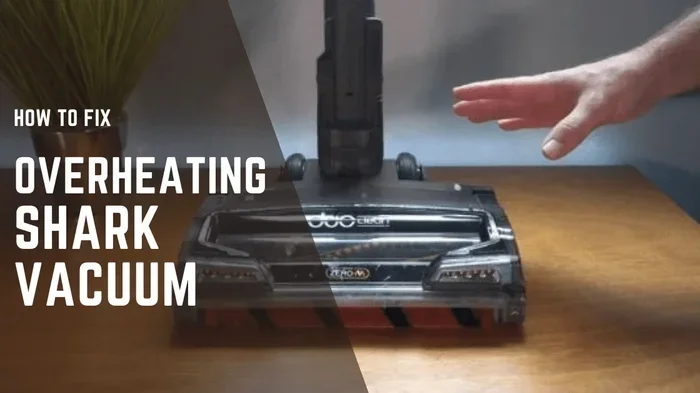
Visual guide about vacuum cleaner overheating
Image source: vacmasterguide.com
Catching overheating early can save your vacuum from permanent damage. Here are the key warning signs to watch for:
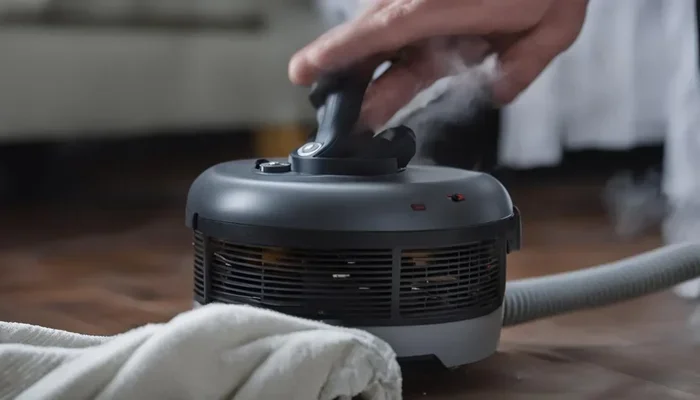
- Burning smell: A sharp, acrid smell coming from the vacuum is the most obvious sign. This usually means the motor is getting hot enough to affect internal components.
- Hot exterior surfaces: If the body of the vacuum feels unusually hot to the touch, internal temperatures are likely elevated beyond safe levels.
- Automatic shutoff: Many modern vacuums have a thermal protection switch that powers off the motor when it gets too hot. If your vacuum keeps shutting off mid-use, overheating is the likely cause.
- Reduced suction power: A noticeable drop in suction often accompanies overheating, since the motor can’t perform efficiently at high temperatures.
- Unusual sounds: Grinding, whining, or high-pitched noises can indicate that the motor is struggling under heat stress.
- Visible smoke: In extreme cases, you might see smoke coming from the vacuum. Stop using it immediately and unplug it if this happens.
How to Fix an Overheating Vacuum Cleaner
Visual guide about vacuum cleaner overheating
Image source: buyreviewer.com
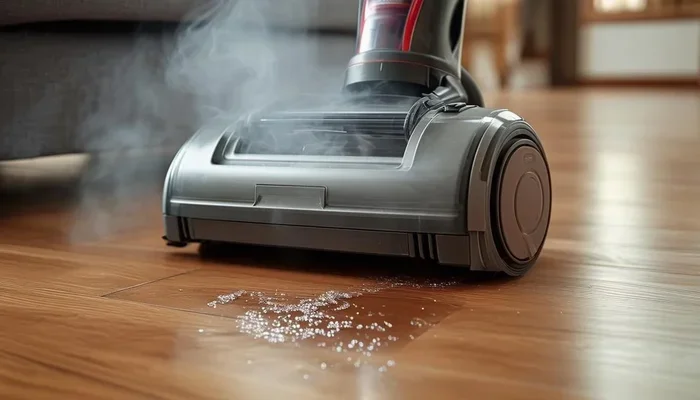
Step 1: Power Off and Unplug
The moment you suspect overheating, turn off the vacuum and unplug it from the wall. Let it cool down completely before attempting any inspection or cleaning. This usually takes 15 to 30 minutes.
Step 2: Check and Clean All Filters
Remove every filter from the unit — pre-motor, post-motor, and HEPA filters if applicable. Tap them gently to remove loose dust, or rinse them with water if they’re washable. Make sure filters are completely dry before reinstalling, as moisture can cause additional problems.
Step 3: Inspect the Hose and Brush Roll for Blockages
Detach the hose and check it thoroughly for clogs. Remove the brush roll and cut away any hair or string wrapped around it. Check the intake opening at the base of the vacuum as well.
Step 4: Empty the Dustbin or Replace the Bag
Empty the dustbin into a trash bag and wipe it clean. If you use bags, replace the old one with a fresh one. Make sure everything is seated properly when you reassemble.
Step 5: Check the Exhaust Vent
Locate the exhaust vent (usually on the back or side of the vacuum) and make sure it’s clear of obstructions. Clean the exhaust filter if your model has one.
Step 6: Test the Vacuum
After reassembling everything, plug the vacuum back in and run it for a few minutes. Monitor it for any of the warning signs listed above. If it runs cool and quiet, you’ve likely solved the problem.
Preventing Future Overheating Issues
Prevention is always easier than repair. Here are some habits that will keep your vacuum running cool for years:
- Clean filters monthly: Set a recurring reminder on your phone so you never forget.
- Empty the dustbin after every use: This takes just seconds and prevents buildup.
- Check the hose and brush roll weekly: A quick inspection takes less than two minutes.
- Avoid vacuuming large or sharp objects: Coins, screws, and small toys can damage internal components and cause blockages.
- Store your vacuum properly: Keep it in a cool, dry place with the cord loosely wrapped. For more details, check out our guide on how to store a vacuum cleaner.
- Don’t run the vacuum for extended periods: If you’re cleaning a large area, take breaks every 20 to 30 minutes to let the motor cool down.
- Replace worn parts promptly: Belts, brushes, and filters all have a lifespan. Replacing them on schedule keeps everything running smoothly.
When to Call a Professional or Replace Your Vacuum
Sometimes, overheating is a symptom of a bigger problem. If you’ve cleaned every filter, cleared every blockage, and the vacuum still overheats within minutes of use, the motor itself may be failing. Professional motor repair can cost anywhere from $50 to $150, depending on the brand and model.
At that point, it’s worth comparing the repair cost to the price of a new vacuum. If your machine is more than seven or eight years old, replacement is often the more economical choice. Newer models are more energy-efficient, have better filtration, and come with improved thermal protection systems.
Quick Reference: Overheating Causes and Solutions
| Cause | Warning Sign | Solution |
|---|---|---|
| Clogged filter | Reduced suction, burning smell | Clean or replace filter |
| Blocked hose | Weak suction, motor strain | Clear blockage from hose |
| Full dustbin or bag | Loss of suction, overheating | Empty dustbin or replace bag |
| Worn motor brushes | Intermittent power, sparking | Professional motor service |
| Blocked exhaust vent | Hot exterior, auto shutoff | Clear exhaust area |
| Extended use without breaks | Gradual heat buildup | Take breaks every 20-30 minutes |
Conclusion
An overheating vacuum cleaner is your machine’s way of telling you something needs attention. In most cases, the fix is straightforward — a thorough cleaning of filters, hoses, and the dustbin will resolve the issue. The key is to act quickly when you notice warning signs like a burning smell, reduced suction, or automatic shutoff.
By building a simple maintenance routine into your cleaning schedule, you can prevent overheating before it starts. Clean your filters regularly, empty the dustbin after each use, and give your vacuum a quick inspection now and then. These small habits will keep your vacuum running efficiently, extend its lifespan, and save you from costly repairs or replacements down the road.
Frequently Asked Questions
Is it normal for a vacuum cleaner to get warm during use?
Yes, it’s completely normal for a vacuum cleaner to feel slightly warm during operation. The motor generates heat as it runs, and some warmth is expected. However, if the vacuum becomes too hot to touch comfortably, shuts off automatically, or produces a burning smell, that indicates an overheating problem that needs attention.
Can an overheating vacuum cleaner catch fire?
While rare, an overheating vacuum can potentially pose a fire risk, especially if the motor is severely strained or internal wiring is damaged. Most modern vacuums have thermal protection switches that shut off the motor before dangerous temperatures are reached. If you ever see smoke coming from your vacuum, unplug it immediately and do not use it again until it’s been inspected.
How long should I let my vacuum cool down after it overheats?
Let your vacuum cool down for at least 15 to 30 minutes after it overheats. Make sure it’s completely cool to the touch before you inspect it or attempt to use it again. Rushing to turn it back on while it’s still hot can cause further damage to the motor.
Does vacuuming pet hair cause overheating?
Pet hair itself doesn’t directly cause overheating, but it contributes to clogs in filters, hoses, and brush rolls much faster than regular household dust. If you have pets, you should clean your vacuum’s filters and brush roll more frequently — ideally every one to two weeks — to maintain proper airflow and prevent heat buildup.
Why does my vacuum keep shutting off after a few minutes?
If your vacuum shuts off after just a few minutes of use, it’s likely triggering its thermal protection switch due to overheating. The most common causes are a clogged filter, a full dustbin, or a blocked hose. Check these components first, and if the problem persists after cleaning everything, the motor itself may need professional servicing.
Can using the wrong vacuum attachment cause overheating?
Yes, using the wrong attachment for a particular surface can strain the motor and lead to overheating. For example, using a powerhead designed for deep carpet cleaning on hard floors creates unnecessary resistance. Always match the attachment and suction setting to the surface you’re cleaning to keep the motor running efficiently.