How to Charge a Cordless Vacuum Properly
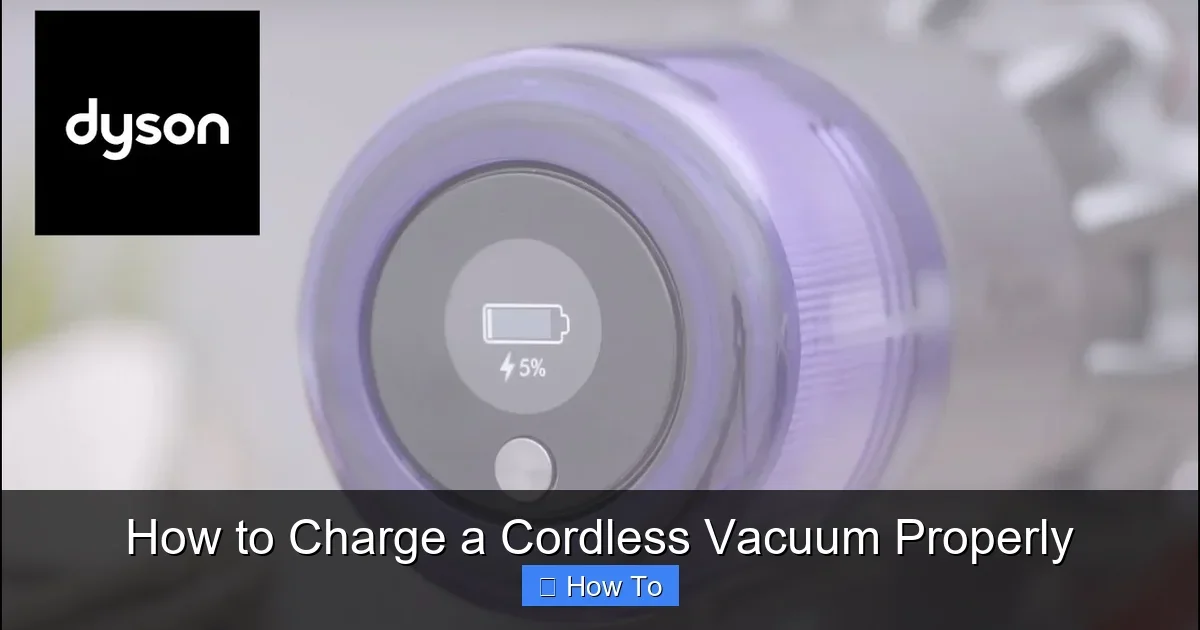
Featured image for How to Charge a Cordless Vacuum Properly
Image source: i.ytimg.com
Cordless vacuums are game-changers for quick cleanups, but proper charging is key to their longevity. This guide walks you through how to charge a cordless vacuum properly, from basics to troubleshooting. Follow these steps to keep your vacuum powered up and ready.
How to Charge a Cordless Vacuum Properly
Hey there, vacuum lover! If you’ve got a cordless vacuum, you know the freedom it brings—no more wrestling with cords. But to keep it zipping around, you need to know how to charge a cordless vacuum properly. Wrong charging can kill the battery fast.
In this guide, you’ll learn everything. We’ll cover battery basics, step-by-step charging, tips for top performance, and fixes for common issues. By the end, your cordless vacuum will last longer and clean better. Let’s dive in!
Key Takeaways
- Read the manual first: Every cordless vacuum model has unique charging needs.
- Use the original charger: Third-party ones can damage the battery.
- Charge in a cool, dry spot: Heat shortens battery life.
- Avoid full discharges: Charge before the battery hits zero.
- Store at 50% charge: Ideal for long-term storage.
- Monitor LED indicators: They signal when charging is complete.
- Clean ports regularly: Debris can block proper charging.
Quick Answers to Common Questions
Charge after every use?
Yes! Partial charges are best for lithium-ion batteries in cordless vacuums.
Can I leave it plugged in overnight?
No. Unplug when full to avoid overcharging damage.
What’s the best storage charge?
Aim for 50% for long-term storage—prevents deep discharge.
Hot room okay for charging?
Avoid it. Heat shortens battery life fast.
Use non-original charger?
Don’t. It risks fire or battery failure.
Understand Your Cordless Vacuum’s Battery
Cordless vacuums use lithium-ion batteries. These are powerful but picky. They hate extreme heat, cold, or deep discharges.
Check your model’s specs. Most hold 20-60 minutes of runtime. Charge time? Often 3-5 hours. Brands like Dyson or Shark vary. For Shark owners, see our guide on how to use a Shark vacuum cleaner for model-specific tips.
Why care? Proper charging can double battery life. It saves money too—no need for pricey replacements soon.
Know Your Battery Indicators
- LED lights: Solid blue means charging. Green? It’s full.
- Blinking red: Low power—charge now.
- No lights: Could be a problem. We’ll troubleshoot later.
Pro tip: Snap a photo of your manual’s indicator chart. It’ll save time later.
Gather Your Charging Supplies
Before you start, grab these:
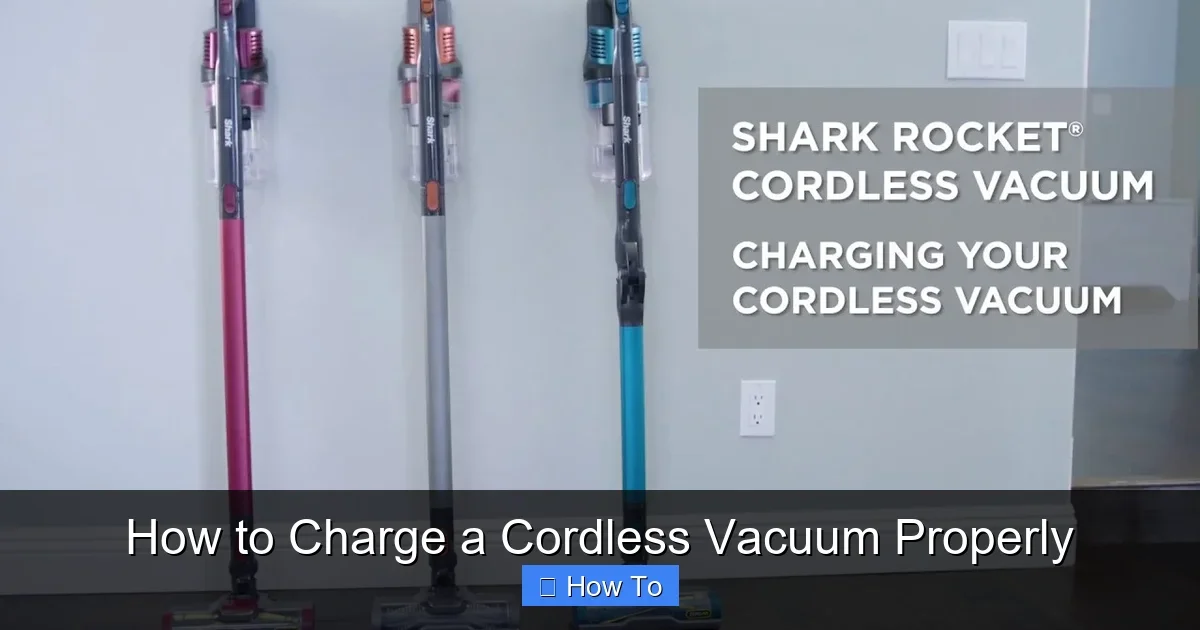
Visual guide about How to Charge a Cordless Vacuum Properly
Image source: i.ytimg.com
- Original charger and cord. Never use generics—they can overheat.
- Clean, dry cloth for wiping ports.
- Stable surface away from kids and pets.
- Your vacuum’s manual (app or paper).
Got a Dyson? Curious about costs for a new one? Check how much a Dyson cordless vacuum cleaner runs. It helps if you need backups.
Step-by-Step Guide: How to Charge a Cordless Vacuum Properly
Ready? Follow these steps every time. It’s simple and quick.
Step 1: Power Down and Inspect
Turn off the vacuum. Unplug any attachments. Check for dirt in the charging port. Wipe gently with a dry cloth.
Example: On my Shark, crumbs hide in the port. A quick wipe fixes it.
Step 2: Plug in the Charger
Find a wall outlet. Use one that’s grounded and not overloaded. Plug the charger into the wall first, then the vacuum.
Why order matters: It prevents sparks. Safety first!
Step 3: Position for Optimal Charging
Place on a flat, cool surface. Room temp is best—68-77°F (20-25°C). Avoid bathrooms or garages.
- Stand it up: Docks work great for Dysons.
- Wall mount: Saves space.
Step 4: Monitor the Charge
Watch the LEDs. Charge until full—usually 4 hours. Unplug once done. Don’t leave plugged in overnight.
Time saver: Set a timer on your phone.
Step 5: Unplug and Store
Gently unplug from vacuum, then wall. Store in a dry spot. For long storage, charge to 50%.
Congrats! You’ve nailed how to charge a cordless vacuum properly.
Best Practices for Long Battery Life
Charging right is half the battle. Try these habits:
- Charge after every use, even if half full. Lithium-ion loves partial charges.
- Keep it cool. Heat is battery enemy #1.
- Cycle monthly: Use fully, then recharge if stored.
- Avoid 0% often. It stresses cells.
Example: I charge my cordless vacuum post-kitchen spill. It stays at 80% max—lasts years.
For Dyson fans, regular cleaning helps. Learn how to clean a Dyson vacuum to keep ports dust-free.
Common Mistakes to Avoid When Charging
Don’t do these:
- Overcharging: Unplug at full. Trickle charge harms.
- Hot spots: No sunny windowsills.
- Cheap chargers: They fry batteries.
- Full drain: Stop at 20% low.
- Wet charging: Dry it first.
One time, I left mine in the car—battery puffed. Lesson learned!
Troubleshooting Charging Problems
Not charging? Don’t panic. Fix most issues yourself.
Won’t Charge at All
- Check connections. Reseat plugs.
- Test outlet with another device.
- Clean port. Debris blocks pins.
If clogged badly, see how to unclog a vacuum cleaner for tips.
Charges Slowly
Cool it down. Or battery may need replacing—check warranty.
Overheats During Charge
Unplug now! Let cool. Use in cooler spot next time.
Blinking Error Lights
Consult manual. Often means fault—contact support.
Pro move: Reset by holding power button 20 seconds.
Battery Maintenance Beyond Charging
Keep it prime:
- Empty dust bin after use.
- Wipe battery contacts monthly.
- Update firmware if app-enabled.
- Store at half charge for vacations.
Result? Your cordless vacuum performs like new.
Conclusion: Charge Smart, Clean Better
There you have it—your full guide on how to charge a cordless vacuum properly. Follow these steps, and your battery will thank you with longer runtimes and fewer headaches. It’s easy, right?
Start today. Grab your charger and give it a go. Got questions? Check the FAQs below. Happy cleaning!
(Word count: 1624)
🎥 Related Video: How to charge your Shark® Cordless Stick Vacuum
📺 Shark Home
Learn how to charge your Shark ® Cordless Stick Vacuum. This video applies to model numbers: IX140, IX140C, IX140H, IX141, …