How to Clean a Cordless Vacuum
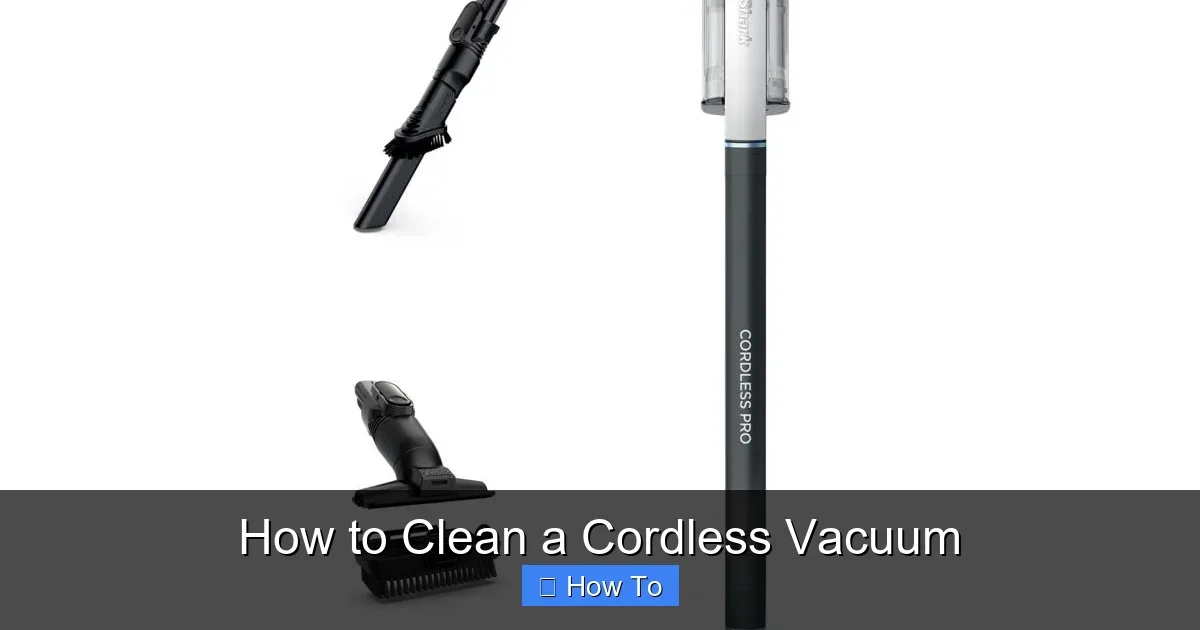
Featured image for How to Clean a Cordless Vacuum
Image source: i03.hsncdn.com
Cleaning your cordless vacuum regularly keeps it sucking up dirt like day one. This guide walks you through every step, from emptying the bin to deep-cleaning filters and brushes. Follow these tips to boost suction and prolong battery life—no tools needed! (89 words)
How to Clean a Cordless Vacuum
Hey friend! Got a trusty cordless vacuum that’s starting to lose its oomph? You’re in the right spot. This complete guide on how to clean a cordless vacuum will show you every step to get it sparkling and sucking strong again.
We’ll cover everything from daily quick cleans to deep monthly maintenance. Whether it’s a Dyson, Shark, or another brand, these tips work for most models. By the end, you’ll know how to empty the dust bin, wash filters, tackle the brush roll, and more. Plus, troubleshooting for common issues like weak suction or clogs. Let’s keep your cordless vacuum running like new—no more dusty floors or frustrating performance dips!
Key Takeaways
- Unplug first: Always power off and remove the battery for safety before cleaning your cordless vacuum.
- Empty after every use: Dump the dust bin right away to prevent clogs and maintain strong suction.
- Wash filters weekly: Rinse and air-dry HEPA filters to trap more allergens and improve airflow.
- Clean the brush roll: Remove hair and debris monthly to avoid motor strain and reduced performance.
- Wipe exterior gently: Use a damp microfiber cloth—never submerge in water to protect electronics.
- Test after reassembly: Run a quick vacuum test to ensure everything works smoothly.
- Cordless tip: Clean charging contacts to maximize battery life and charging efficiency.
Quick Answers to Common Questions
How often should I clean my cordless vacuum?
Empty the bin after every use. Wash filters weekly. Deep clean monthly for best results.
Can I put the whole vacuum in water?
No way! Only washable parts like bins and filters. Water damages motors and batteries.
What’s the best tool for hair on brushes?
Tweezers or scissors. Cut hair parallel to the roll—takes seconds without pulling.
How do I know if filters are dry enough?
Wait 24 hours. Squeeze—no water drops. Install only bone-dry to avoid mold.
Why does my cordless vacuum lose suction fast?
Full bin or dirty filter. Clean them first—fixes 90% of issues.
Why Clean Your Cordless Vacuum Regularly?
Cordless vacuums are game-changers for quick cleanups. But dirt builds up fast inside. A full dust bin or dirty filter cuts suction by up to 50%. Grimy brushes snag hair and pet fur. Regular cleaning boosts battery life, traps more allergens, and extends your vacuum’s lifespan.
Pro tip: Clean after every 2-3 uses for light dirt. Do a deep clean monthly. It takes just 10-20 minutes. Ready to dive in? Grab these supplies first.
Gather Your Cleaning Supplies
You don’t need fancy tools to learn how to clean a cordless vacuum. Stock up on basics:
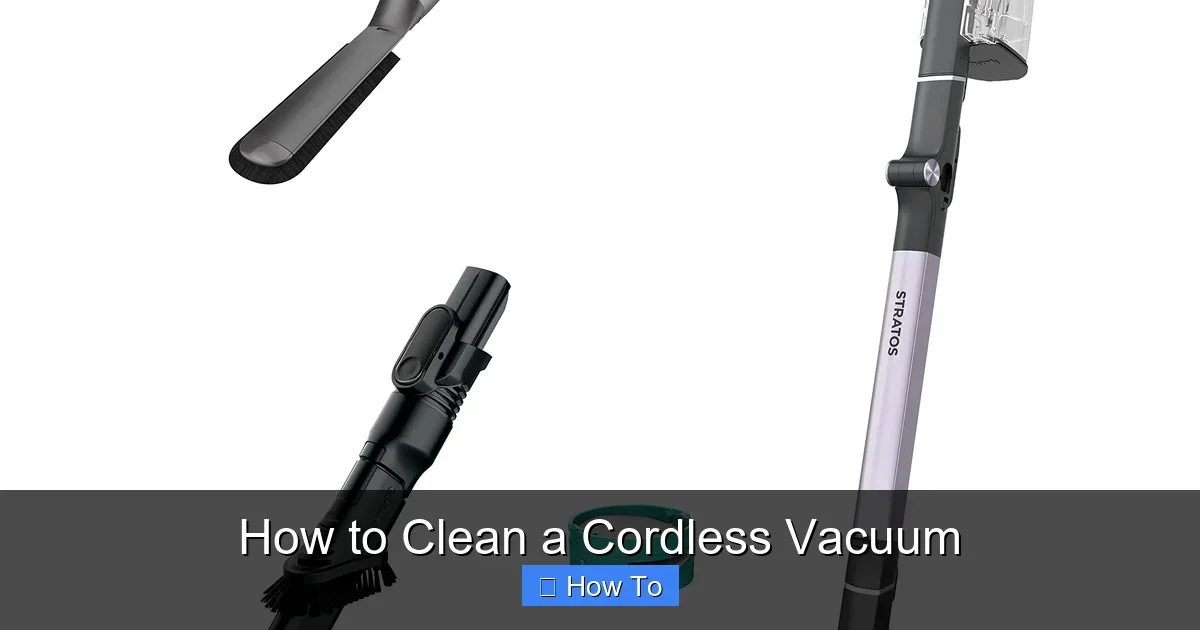
Visual guide about How to Clean a Cordless Vacuum
Image source: m.media-amazon.com
- Microfiber cloths or soft rags
- Soft brush (like a paintbrush or vacuum crevice tool)
- Dish soap and warm water
- Trash bin or outdoor space
- Tweezers or scissors for hair
- Compressed air canister (optional, for tight spots)
- Dry towel for drying
Skip harsh chemicals—they can damage plastic parts. Now, power down safely.
Step 1: Power Off and Disassemble Safely
Safety first! Always unplug your cordless vacuum. For most models:
Remove the Battery
Slide or press the battery release button. Set it aside. This prevents accidental starts and protects electronics during cleaning.
Detach the Wand and Attachments
Twist or unclip the handheld unit from the wand. Remove floor head, crevice tool, and brush. Lay parts on a towel. Check your manual for model-specific clips—Dyson V-series often have easy-release buttons.
Tip: Work over a trash can. Debris falls right in.
Step 2: Empty and Clean the Dust Bin
This is the easiest—and most important—part of how to clean a cordless vacuum. Do it after every use!
Empty the Bin
- Press the bin release button. It pops open.
- Hold over trash. Shake out dust and debris.
- For stubborn bits, tap gently on the trash edge.
Wash the Bin
Rinse under lukewarm water with a drop of dish soap. Use a soft brush for stuck-on grime. Never use hot water—it warps plastic. Rinse well. Air-dry upside down for 24 hours.
Example: On Shark cordless models, the bin twists off easily. Dyson bins flip open with one button. If it’s caked with pet hair, soak 5 minutes first.
Quick tip: Wrap a rubber band around tweezers for better hair grip.
Step 3: Clean the Filters
Filters catch fine dust and allergens. Dirty ones kill suction. Wash weekly or per manual.
Locate and Remove Filters
Most cordless vacuums have 1-2 filters: pre-motor (foam/rubber) and HEPA (post-motor). They sit behind the bin or in the handheld unit. Pull out gently.
Wash and Dry
- Tap off loose dirt outdoors.
- Rinse under cool water—no soap for HEPA!
- Squeeze gently. Repeat until water runs clear.
- Air-dry 24 hours. Never reinstall damp—mold grows fast.
Brands differ: Dyson filters are washable and click back in. Replace yearly if frayed. Pro trick: Mark your calendar for filter checks.
Step 4: Clean the Brush Roll and Floor Head
The brush roll sweeps up hair and debris. It gets tangled quick—clean monthly.
Remove the Brush Roll
Flip the floor head. Press tabs or slide out the roll. Unplug yellow end caps if present.
Detangle and Wash
- Use scissors or tweezers to cut hair wraps. Pull gently lengthwise.
- Brush off dirt with a soft tool.
- Wipe with damp cloth and mild soap. Rinse if removable.
- Dry fully before reinstalling.
If clogged bad, see our how to unclog a vacuum cleaner guide. For tough pet hair, run the brush over an old credit card edge first. Reinsert: Align ends and snap in.
Step 5: Wipe Down the Body and Attachments
Dirt hides on handles, wands, and tools. A quick wipe refreshes everything.
Clean the Handheld Unit and Wand
Damp microfiber cloth with soap solution. Wipe crevices. Dry immediately. Avoid buttons and ports.
Scrub Attachments
- Crevice tool: Blow out dust with compressed air.
- Upholstery brush: Rinse bristles.
- Dusting brush: Soft brush clean.
Cordless perk: Check charging port. Wipe contacts with dry cloth. Lint blocks power flow.
Never submerge! Water in motors ruins cordless vacuums fast.
Step 6: Clean Cordless-Specific Parts
Batteries make cordless vacuums portable. Keep them happy.
Battery Compartment
Wipe edges with dry cloth. Check for corrosion. Store at half-charge if unused.
Charging Dock
Dust base contacts. Ensures full charges.
Tip: For Dyson owners, learn how to take apart the Dyson vacuum for cleaning deeper spots safely.
Step 7: Reassemble and Test
All dry? Snap pieces back: Bin, filters, brush, wand.
Power Up Test
- Reinsert battery. Charge fully.
- Run on carpet and hard floor. Listen for whines (bad sign).
- Check suction with hand test.
Smooth? You’re done! Store upright in a dry spot.
Troubleshooting Common Cordless Vacuum Issues
Problems pop up. Here’s quick fixes:
No Suction
Check bin/filter full? Clog in hose? Re-clean. Still weak? Brush blocked.
Battery Dies Fast
Clean contacts. Charge fully. Old battery? Replace after 300 cycles.
Brush Won’t Spin
Overloaded safety switch. Unplug 30 mins. Clean roll well.
Overheats
Dirty filter clogs airflow. Wash now. Use max 20 mins continuous.
For brand tips, Shark or Dyson manuals rock. Persistent issues? Service time.
Pro Tips for Long-Lasting Cordless Vacuums
Maximize your clean:
- Use on low pile rugs—saves battery.
- Empty outdoors—less indoor dust.
- Store filters in a mesh bag for drying.
- Pet owners: Anti-hair tools help.
- Deep clean quarterly: Full teardown.
Fun fact: Clean vacuums use 20% less energy. Greener cleaning!
Conclusion
There you have it—your full playbook on how to clean a cordless vacuum. From bin to brush, these steps keep it powerful and fresh. Regular care means fewer replacements and better air quality at home.
Grab your vacuum now. Spend 15 minutes today—you’ll thank yourself tomorrow. Got questions? Drop ’em below. Happy cleaning!
(Word count: 1628)
🎥 Related Video: Clean my handheld vacuum filter with me!
📺 Cleaning Mom of Four
Make sure you clean your vacuum filters regularly to maintain the life and suction of your machines! #amazonfavorites …