
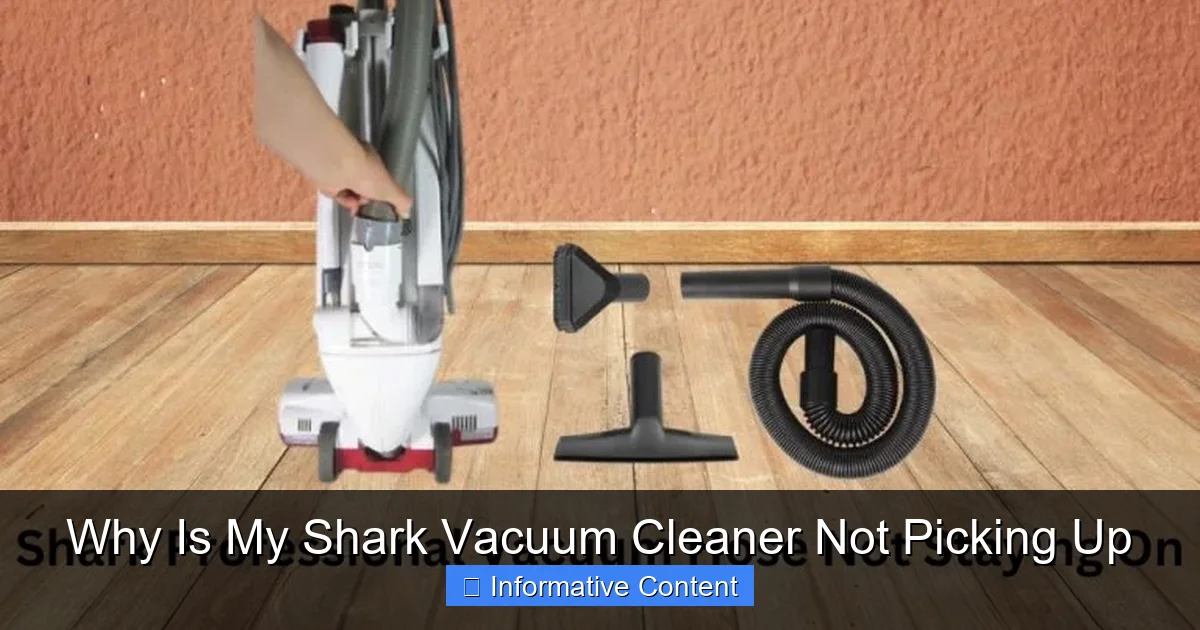
When your Shark vacuum cleaner isn’t picking up debris effectively, it’s often due to easily fixable issues. The most frequent culprits include a full dust cup, clogged filters, blockages in the hose or brush roll, or a tangled brush roll. Regular maintenance and a systematic check of these areas can usually restore your vacuum’s powerful suction and efficient cleaning performance.
There’s little that’s more frustrating than settling in to clean your home, only to discover your trusty Shark vacuum cleaner is not picking up dirt and debris as it should. Instead of tackling that pesky pet hair or those crumbs, it just seems to be pushing them around or leaving them behind. It’s enough to make anyone sigh in exasperation!
Shark vacuums are renowned for their powerful suction and innovative designs, making them a popular choice for homes around the world. However, even the best machines can encounter issues over time. The good news is that most instances of a Shark vacuum cleaner not picking up are due to common, easily fixable problems that you can often resolve right at home without needing a professional repair. Understanding the usual suspects behind this loss of suction can save you time, money, and a whole lot of frustration.
Let’s dive into the most common reasons why your Shark vacuum cleaner might not be picking up and how you can get it back to its peak performance, ensuring your floors are spotless once again.
Key Takeaways
- Start with the Simplest Checks: Always begin troubleshooting by checking the dust cup and cleaning or replacing the filters, as these are the most common reasons for reduced suction.
- Blockages are Major Culprits: Thoroughly inspect the hose, wand, floor nozzle, and brush roll for any lodged debris, hair, or larger items that might be obstructing airflow.
- Maintain the Brush Roll: Regularly remove tangled hair and fibers from the brush roll to ensure it spins freely and can effectively agitate and pick up dirt.
- Ensure a Secure Setup: Verify that all vacuum components, like the hose and attachments, are securely connected and sealed, as air leaks significantly reduce suction.
- Don’t Overlook Overheating: If your vacuum suddenly stops picking up or turns off, it might be due to overheating, often triggered by severe blockages or a full dust cup. Allow it to cool down and clear any obstructions.
- Read Your Manual: Refer to your specific Shark model’s user manual for detailed diagrams and troubleshooting steps, especially for components unique to your vacuum.
Quick Answers to Common Questions
Why is my Shark vacuum losing suction suddenly?
Sudden suction loss is often due to a severe blockage in the hose, a completely full dust cup, or the vacuum overheating and shutting off to protect its motor.
How often should I clean my Shark vacuum filters?
Pre-motor foam and felt filters should typically be cleaned monthly, or more frequently with heavy use or pets. HEPA filters are usually cleaned or replaced every 6-12 months.
Can a tangled brush roll cause my Shark vacuum to not pick up?
Yes, absolutely. A brush roll tangled with hair and debris cannot properly agitate carpets or sweep dirt, severely hindering your vacuum’s ability to pick up.
My Shark vacuum turns on but makes no noise, and there’s no suction. What’s wrong?
This could indicate a broken fan or motor issue, or a very complete blockage leading to motor strain and safety shutdown without normal operation noise. Unplug and inspect for blockages thoroughly.
What if my Shark works on hard floors but not carpets?
This often points to an issue with the brush roll. It might be tangled, worn down, or not spinning on carpets, which are necessary for agitation and lifting debris.
📑 Table of Contents
- 1. Check the Dust Cup and Filters: The First Line of Defense
- 2. Inspect for Blockages: The Hidden Obstacles
- 3. Examine the Brush Roll: The Heart of Debris Pickup
- 4. Address Suction Motor and Seals: Deeper Issues
- 5. Power and Electrical Issues: Sometimes Overlooked
- 6. Specific Model Quirks and When to Seek Professional Help
- Conclusion
1. Check the Dust Cup and Filters: The First Line of Defense
It might seem obvious, but a full dust cup and dirty filters are by far the most frequent culprits when your Shark vacuum cleaner is not picking up properly. These components are vital for maintaining strong airflow and suction. If they’re compromised, your vacuum’s performance will suffer dramatically.
Emptying the Dust Cup Regularly
Shark vacuum cleaners are designed with transparent dust cups so you can see when they’re full. While it might look like there’s still room, often the dirt and debris can pack down, creating a solid mass that restricts airflow. A good rule of thumb is to empty the dust cup after every use, or when the debris reaches the max fill line, whichever comes first.
Tip: Don’t just shake it out; ensure all trapped hair, dust bunnies, and larger particles are completely removed. Sometimes, a stubborn clump can stick to the sides or around the central filter screen, silently choking off your vacuum’s breath.
Cleaning or Replacing Filters
Shark vacuums typically have several filters: a foam filter, a felt filter (pre-motor), and sometimes a HEPA filter (post-motor). These filters trap fine dust and allergens, preventing them from recirculating into your home or damaging the motor. Over time, these filters become saturated with dust, severely restricting airflow and causing your Shark vacuum cleaner not picking up efficiently.
- Pre-Motor Filters (Foam & Felt): These are usually washable. Check your manual for specific instructions, but generally, they should be rinsed under cold water until the water runs clear. Squeeze out excess water and allow them to air dry completely for at least 24 hours before putting them back in. Never put them back damp, as this can lead to mold and damage to the vacuum motor.
- Post-Motor HEPA Filter: Not all Shark models have a washable HEPA filter. Many are designed for replacement, often every 1-2 years, depending on usage. If yours is washable, follow the same rinsing and drying procedure as the pre-motor filters.
Pro Tip: Set a reminder on your phone or calendar to clean your pre-motor filters monthly, or more often if you have pets or use your vacuum frequently. Replace them every 3-6 months, even if they appear clean, as their effectiveness can degrade over time.
2. Inspect for Blockages: The Hidden Obstacles
Blockages are incredibly common reasons why a Shark vacuum cleaner is not picking up. From rogue socks to hair ties, anything that gets sucked up that is too big or gets stuck can create a significant obstruction, reducing or eliminating suction.
Hose and Wand Blockages
The main hose and the detachable wand are prime locations for blockages. Long hair, pet fur, paper, or even small toys can get lodged inside, creating a bottleneck that prevents debris from reaching the dust cup. Carefully detach the hose and wand (if applicable) and visually inspect them. You can use a flashlight to look through them. If you see an obstruction, try to dislodge it with a broom handle or a long, blunt object. Be gentle not to puncture the hose.
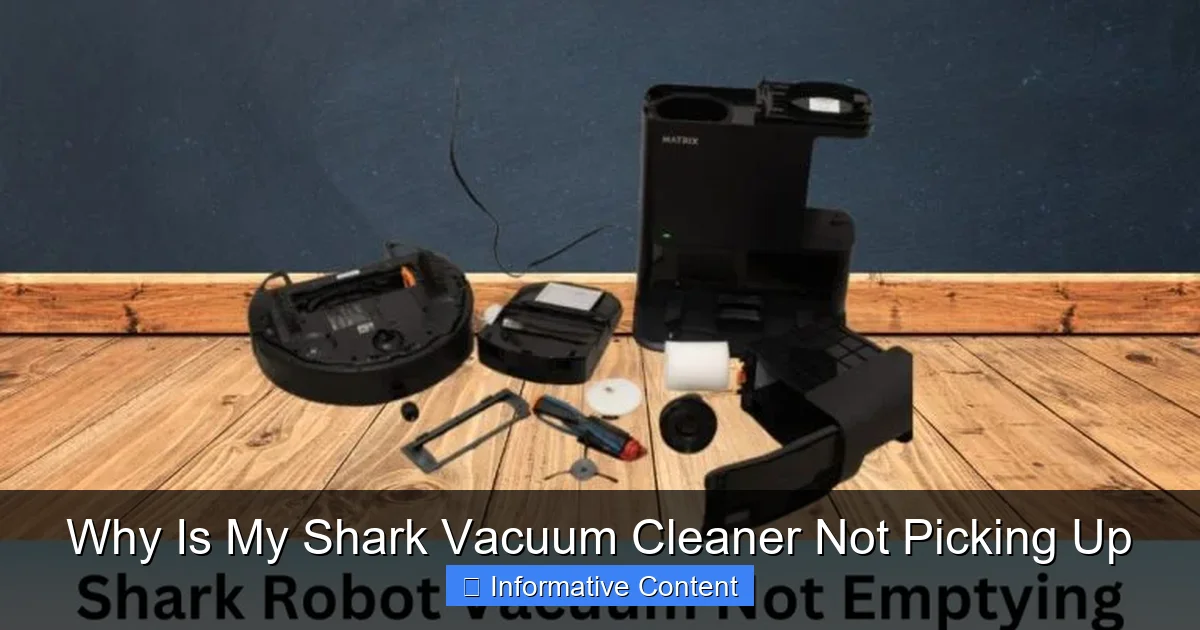
Visual guide about Why Is My Shark Vacuum Cleaner Not Picking Up
Image source: sharkvacuum.blog
Example: A user once found a child’s small plastic army man perfectly wedged in the U-bend of their Shark’s main hose, completely blocking suction. A gentle push with a wooden dowel solved the problem instantly.
Floor Nozzle and Brush Roll Blockages
The floor nozzle, which contains the brush roll, is another hotspot for blockages. Larger pieces of debris that the brush roll tries to pick up can get stuck in the opening leading to the hose. Turn off and unplug your vacuum, then flip the floor nozzle over. Look into the opening where dirt enters. Use scissors to carefully cut away any matted hair or string, and remove any visible obstructions.
Internal Airway Blockages
Some Shark models have internal airways or ducts connecting different parts of the vacuum. These can also get blocked. For upright models, detach the canister from the floor nozzle and look at the connecting ports. For stick or handheld models, follow the path of airflow from the nozzle to the dust cup. Consult your manual for diagrams of these internal pathways.
Caution: Always ensure your vacuum is unplugged before performing any checks or maintenance involving reaching into the machine.
3. Examine the Brush Roll: The Heart of Debris Pickup
The brush roll (also known as the agitator brush or beater bar) is essential for lifting dirt, dust, and pet hair from carpets and hard floors. If your Shark vacuum cleaner is not picking up effectively, especially on carpets, a malfunctioning brush roll is a likely culprit.
Hair and Debris Tangled
Over time, hair (human and pet), threads, and carpet fibers can wrap tightly around the brush roll. This not only prevents the bristles from agitating the carpet effectively but can also seize the brush roll completely, stopping it from spinning. When the brush roll can’t spin, your vacuum essentially becomes a simple suction device, struggling to pick up anything embedded in carpets.
Action: Unplug the vacuum, flip the floor nozzle over, and use scissors to carefully cut through any tangled hair or fibers. Pull them away from the brush roll. Some Shark models feature a self-cleaning brush roll, but even these can sometimes accumulate stubborn tangles. Use your fingers or a stiff brush to clear everything away.
Damaged or Worn Brush Roll
After prolonged use, the bristles on the brush roll can become worn down, bent, or even missing. When this happens, they lose their ability to agitate surfaces and lift debris. If the brush roll itself is cracked or broken, it won’t spin correctly. Inspect the condition of your brush roll. If the bristles look flat or damaged, it might be time for a replacement. Replacement brush rolls are often available directly from Shark or third-party suppliers.
Belt Issues (Specific Models)
While many modern Shark vacuums use direct-drive motors for their brush rolls, some older models or specific designs might still use a belt. If your Shark vacuum cleaner has a belt that connects the brush roll to the motor, check if it’s broken, stretched, or dislodged. A broken belt means the brush roll won’t spin at all. This is a less common issue with newer Shark models but worth checking if applicable to your vacuum.
4. Address Suction Motor and Seals: Deeper Issues
If you’ve checked all the above and your Shark vacuum cleaner is still not picking up, the problem might lie with the suction motor itself or issues with the vacuum’s seals and connections. These are less common but can significantly impact performance.
Loose Connections and Cracks
Anywhere two parts of your vacuum connect – the hose to the main unit, the wand to the floor nozzle, the dust cup to the body – there’s a potential for an air leak. Even a small crack in the hose or a poorly seated dust cup can cause a significant drop in suction power. The vacuum might sound like it’s working, but the air is escaping before it can pull dirt effectively.
Inspection: Carefully go over every connection point. Ensure everything is clicked securely into place. Feel for air escaping from seams or cracks when the vacuum is running (but exercise caution around moving parts). A temporary fix for small cracks in hoses can sometimes be electrical tape, but a replacement part is the ideal long-term solution.
Motor Overheating/Overload Protection
Shark vacuums are designed with safety features, including thermal cut-offs. If the motor works too hard (due to severe blockages, a completely full dust cup, or extended heavy use), it can overheat and automatically shut off to prevent damage. This often manifests as the vacuum suddenly stopping or losing all suction.
Resolution: If your vacuum shuts off, unplug it immediately. Empty the dust cup, clean all filters, and check thoroughly for any blockages in the hose, wand, and brush roll. Allow the vacuum to cool down for at least 30-60 minutes before plugging it back in and trying again. Ignoring this can lead to permanent motor damage.
Worn Gaskets or Seals
Over time, the rubber gaskets or seals that help create a tight suction path can wear out, crack, or become brittle. These are often found around the dust cup, filter compartments, and hose connections. If these seals are compromised, air will leak, and your Shark vacuum cleaner won’t be picking up efficiently. Inspect these rubber components for any visible damage. Replacements might be available for some models.
5. Power and Electrical Issues: Sometimes Overlooked
While not directly related to suction, power issues can make it seem like your Shark vacuum cleaner is not picking up because it’s not turning on or running at full power.
Cord and Plug Inspection
Check the power cord for any cuts, frays, or damage. A damaged cord can lead to intermittent power or no power at all. Also, ensure the plug is fully inserted into the wall outlet. If there’s visible damage to the cord, do NOT use the vacuum; it poses a shock hazard. The cord will need professional repair or replacement.
Power Outlet Check
Sometimes the issue isn’t the vacuum but the power source. Try plugging your Shark into a different working outlet to rule out a tripped circuit breaker or a faulty outlet. If it works in another outlet, check your home’s circuit breaker box.
6. Specific Model Quirks and When to Seek Professional Help
Every Shark model, from the Navigator to the Rotator to the Apex, has its unique design and specific components. What applies to one may not perfectly apply to another.
Specialized Attachments
Ensure that any specialized attachments, like pet multi-tools or crevice tools, are correctly attached and not themselves blocked. Sometimes, the issue only arises when using a specific attachment, pointing to a blockage or seal problem within that particular tool.
Review Your User Manual
Your Shark vacuum’s user manual is an invaluable resource. It contains specific diagrams, troubleshooting guides, and maintenance instructions tailored to your exact model. If you’ve misplaced it, you can almost always find a digital copy on the SharkNinja website by searching for your model number.
When to Call Customer Support
If you’ve systematically gone through all these troubleshooting steps and your Shark vacuum cleaner is still not picking up, it might be time to contact Shark customer support. They can provide model-specific advice, help diagnose more complex internal issues, or guide you through warranty claims if applicable. Be prepared to describe the symptoms and the steps you’ve already taken.
Conclusion
A Shark vacuum cleaner not picking up can be a real headache, but with a little patience and a systematic approach, you can usually diagnose and fix the problem yourself. Most issues stem from basic maintenance neglects like a full dust cup, clogged filters, or blockages in the airways and brush roll. By regularly emptying your dust cup, cleaning your filters, and inspecting for obstructions, you can significantly extend the life and efficiency of your vacuum. Remember to always prioritize safety by unplugging your vacuum before any inspection or cleaning. Happy cleaning, and here’s to getting that powerful Shark suction back!
🎥 Related Video: Shark vacuum cleaner NO SUCTION! Why?
📺 Vacuum Help
Customer was going to buy a new vacuum cleaner when her shark stopped sucking #sharkvacuum #sharkclean.
Frequently Asked Questions
How do I know if my Shark vacuum’s filters are the problem?
If your vacuum feels weak or sounds strained, and you haven’t cleaned the filters in a while, they are a prime suspect. Remove and inspect them; if they look dusty, discolored, or clogged, cleaning them is the first step. Proper airflow is essential for suction.
Is it safe to use water to clear a blockage in the hose?
No, you should never use water to clear blockages in any part of your vacuum cleaner unless specifically instructed for a washable component. Introducing water into electrical components or areas not designed for it can cause serious damage to the vacuum and pose an electrical hazard.
Why does my Shark vacuum smell bad when it’s not picking up?
A bad smell, especially when suction is poor, often indicates that mold, mildew, or decomposing organic matter is trapped in the dust cup, filters, or a blockage within the vacuum. Thoroughly clean all components, especially washable filters, and ensure they are completely dry before reassembly.
Can a broken hose affect my Shark vacuum’s ability to pick up?
Yes, even a small crack or hole in the hose can significantly reduce your Shark vacuum cleaner’s suction power. Air will escape through the crack instead of being pulled through the nozzle, making the vacuum ineffective. Inspect the entire length of the hose for any damage.
My Shark vacuum’s brush roll isn’t spinning. How can I fix this?
First, unplug the vacuum and carefully remove any hair or debris tangled around the brush roll. Check for any obstructions in the brush roll housing. If it’s still not spinning after clearing, the problem could be a damaged brush roll, a faulty belt (if applicable), or a motor issue, which might require professional repair or part replacement.
What does it mean if my Shark vacuum is only picking up large debris but not fine dust?
If your vacuum handles larger debris but leaves fine dust behind, it often indicates compromised filter performance or a brush roll that isn’t effectively agitating the surface. Clean or replace your filters, and thoroughly clear any hair or fibers from the brush roll to restore its full cleaning capability for fine particles.