
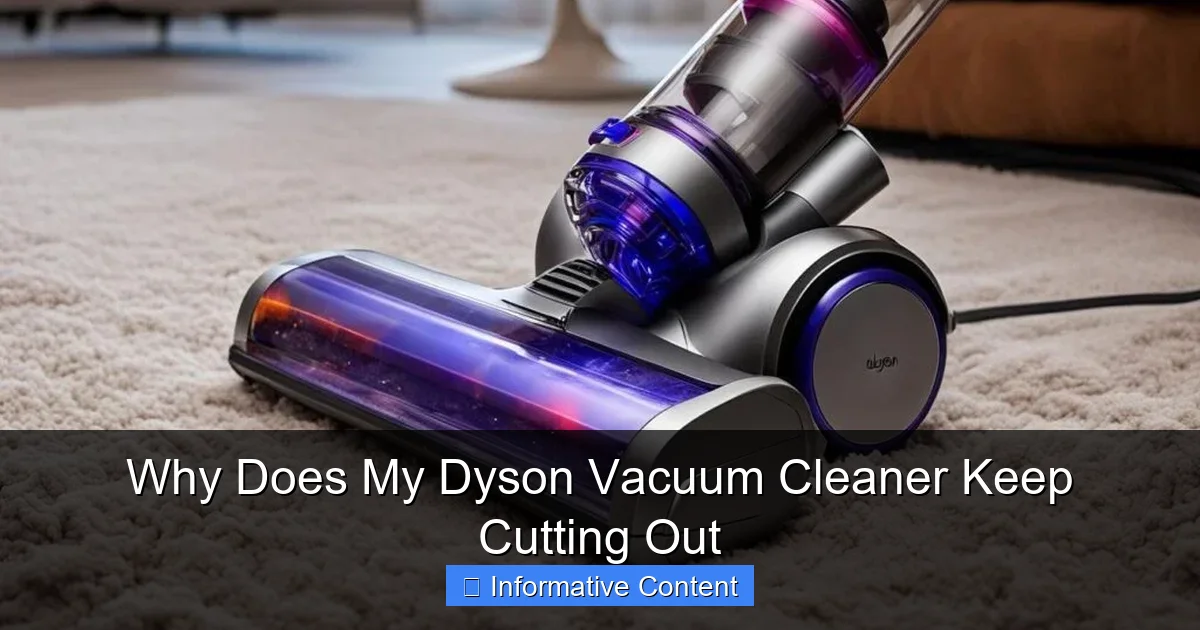
Experiencing your Dyson vacuum cleaner cutting out mid-clean can be incredibly frustrating, but it’s often a sign of common, fixable problems. The most frequent culprits include clogged filters, significant blockages in the hose or brush bar, an old or faulty battery, or the motor overheating due to strain. Understanding these core issues is the first step to diagnosing and resolving why your Dyson keeps stopping, allowing you to restore its optimal suction power and efficiency with some straightforward troubleshooting.
There’s nothing quite like the powerful suction of a Dyson vacuum cleaner when it’s working perfectly. It glides, it cleans, it makes your carpets sing! But then, a sudden silence. Your beloved Dyson vacuum cleaner keeps cutting out mid-task, leaving you with half-cleaned floors and a growing sense of frustration. Sound familiar?
You’re not alone. This is a common complaint among Dyson owners, and while it can be incredibly annoying, the good news is that in many cases, the problem isn’t a terminal fault. Often, it’s a signal from your Dyson that something simple needs your attention. Think of it as your vacuum’s way of telling you, “Hey, I need a little TLC!” Understanding why does my Dyson vacuum cleaner keep cutting out is the first step to getting it back to peak performance.
In this comprehensive guide, we’re going to dive deep into the most common reasons your Dyson might be cutting out. We’ll explore everything from simple blockages to more complex issues like battery degradation and motor problems. More importantly, we’ll provide you with practical, step-by-step troubleshooting tips to help you diagnose and fix the problem yourself, saving you time, money, and a whole lot of headache. So, let’s get your Dyson back in action!
Key Takeaways
- Check for Blockages First: The most common reason a Dyson vacuum cleaner keeps cutting out is a blockage in the wand, hose, or brush bar. Always check these areas thoroughly as a first step.
- Clean Your Filters Regularly: Clogged pre-motor and post-motor filters restrict airflow, causing the motor to work harder, overheat, and eventually cut out. Wash and dry your washable filters monthly, and replace non-washable ones as recommended.
- Battery Health is Crucial for Cordless Models: If you have a cordless Dyson, a degrading battery is a primary reason it might be cutting out, especially if it’s older or not holding a charge well. Consider a battery replacement.
- Allow for Overheating Cool-Down: If the vacuum has been used for an extended period or is struggling with a blockage, it might overheat and shut off as a safety mechanism. Give it at least 30-60 minutes to cool down before trying again.
- Empty the Dust Bin Often: An overfilled dust bin can restrict airflow and strain the motor, leading to performance issues and potential cut-outs. Empty it when the MAX line is reached.
- Genuine Parts Matter: When replacing filters or batteries, always opt for genuine Dyson parts. Aftermarket components might not fit correctly or meet Dyson’s quality standards, potentially causing further issues.
- Listen and Observe: Pay attention to any unusual noises, smells, or changes in suction power before your Dyson cuts out. These can be valuable clues to pinpoint the underlying problem.
Quick Answers to Common Questions
Why does my Dyson V8 keep cutting out?
Your Dyson V8 likely keeps cutting out due to a clogged filter, a blockage in the wand or brush bar, or a degrading battery, which are common issues for cordless models over time.
How do I reset my Dyson vacuum cleaner when it keeps cutting out?
To reset your Dyson, first remove it from the charger. Then, hold down the power button for 10-20 seconds. Finally, reconnect it to the charger and allow it to fully charge without interruption.
Can a full dust bin cause my Dyson to cut out?
Yes, an overfilled dust bin can restrict airflow significantly, forcing the motor to work harder, overheat, and eventually cause your Dyson to cut out as a safety measure.
What is a thermal cut-out in a Dyson?
A thermal cut-out is a safety feature that automatically shuts off your Dyson’s motor if it detects it’s getting too hot, typically due to blockages, clogged filters, or prolonged strain, to prevent damage.
How often should I clean my Dyson filters to prevent it from cutting out?
Dyson generally recommends washing your washable filters at least once a month. If you vacuum frequently or have pets, you might need to clean them more often to maintain optimal airflow and prevent cut-outs.
📑 Table of Contents
The #1 Culprit: Blockages and Obstructions
When your Dyson vacuum cleaner keeps cutting out, a blockage is often the most frequent and easiest issue to fix. Dyson vacuums are designed with powerful suction, but this power can sometimes lead to debris getting stuck in places it shouldn’t, choking the airflow and putting immense strain on the motor. When the motor is overworked, it triggers a safety cut-out to prevent damage.
Suction Inlet & Hose Blockages
Imagine trying to breathe through a pinched straw – that’s what your Dyson feels like with a blockage. Restricted airflow is a primary reason your Dyson vacuum cleaner keeps cutting out. The vacuum needs a clear path for air to move from the cleaning head, through the wand, hose, and into the dust bin. Any obstruction along this path will reduce suction and cause the motor to overexert itself.
- How to Check:
- Remove Attachments: First, remove the main cleaning head and any other attachments.
- Inspect the Wand/Hose: Look directly into the end of the wand and the flexible hose. You might see a visible clog. Use a flashlight if needed.
- Use a Blunt Object: If you spot a blockage, carefully use a blunt object, like a broom handle (not sharp! You don’t want to puncture anything), to dislodge it. Push it through from both ends if possible.
- Check the Inlet: Also, inspect the inlet where the hose connects to the main body of the vacuum. Hair, large pieces of debris, or even small toys can get jammed here.
- Tip for Cordless Models: For cordless models, disconnect the wand and check the opening on the main motor unit where the wand attaches, as well as the wand itself.
Practical Example: You were vacuuming up a spill of cereal, and now your Dyson cuts out after a few seconds. Chances are, a clump of cereal or its packaging has gotten lodged in the wand or hose. Take it apart, peek inside, and gently push it out.
Brush Bar Entanglements
The brush bar (or beater bar) is designed to agitate carpets and pick up debris. However, it’s also a magnet for hair, threads, and even small fabric pieces. When the brush bar becomes heavily tangled, it can’t spin freely, putting a significant load on its dedicated motor (or the main motor in some models). This increased resistance can cause the entire unit to shut down to prevent motor damage.
- How to Check:
- Turn Off and Unplug: Always unplug your Dyson (or remove the battery for cordless models) before inspecting the brush bar. Safety first!
- Remove the Brush Bar Cover: Most Dyson models allow you to easily remove the brush bar cover or the brush bar itself. Refer to your user manual if you’re unsure.
- Clear Debris: Use scissors or a seam ripper to carefully cut away any tangled hair, string, or fabric from the bristles and ends of the brush bar. Be gentle not to cut the bristles themselves.
- Check for Damage: While you’re there, inspect the brush bar for any signs of damage, such as bent bristles or cracks. A damaged brush bar might need replacement.
Practical Example: If your Dyson vacuum cleaner keeps cutting out primarily when you’re vacuuming carpets, and you notice a lot of hair wrapped around the brush bar, this is likely the cause. A quick clean of the brush bar can make a world of difference.
Clogged Filters: The Silent Power Drain
Dyson vacuum cleaners are renowned for their advanced filtration systems, which capture microscopic dust and allergens. However, these filters need regular maintenance. When filters become clogged with fine dust, dirt, and debris, they restrict the airflow necessary for optimal suction. This forces the motor to work much harder, leading to overheating and, ultimately, your Dyson cutting out as a safety measure.
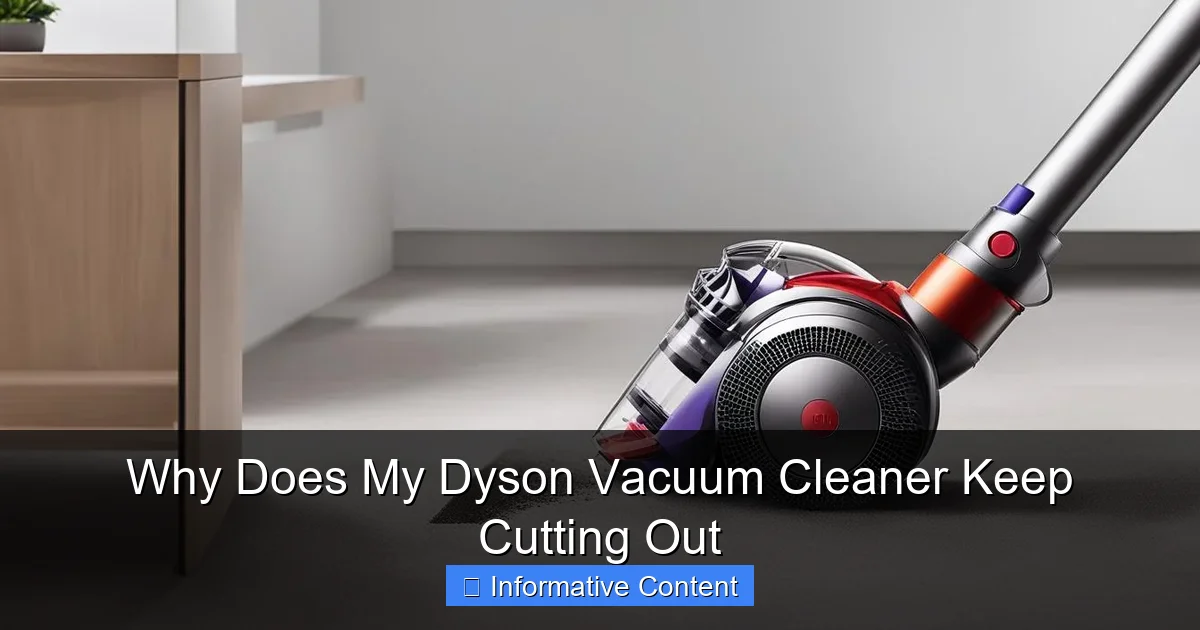
Visual guide about Why Does My Dyson Vacuum Cleaner Keep Cutting Out
Image source: vacmasterguide.com
Washable Filters (Pre-Motor)
Most Dyson models feature at least one washable filter, often located near the dust bin or motor housing. This pre-motor filter is crucial for protecting the motor from fine dust. If it’s dirty, it will severely impede airflow.
- Location: Typically cylindrical or cone-shaped, often bright purple or blue, and located at the top of the main body or inside the dust bin assembly.
- Maintenance: Dyson recommends washing these filters with cold water at least once a month (more frequently if you vacuum often or have pets). Squeeze out excess water and let them air dry completely for at least 24-48 hours before putting them back in. Re-inserting a damp filter can damage the motor!
Practical Example: If you notice a musty smell or a visible layer of grey dust on your filter, it’s definitely time for a wash. A clean filter ensures maximum airflow and prevents your Dyson vacuum cleaner from cutting out.
HEPA (Post-Motor) Filters
Some Dyson models also include a HEPA (High-Efficiency Particulate Air) filter, often located at the very back or side of the vacuum. This filter captures even finer particles and allergens, ensuring clean exhaust air. While some HEPA filters are washable, many are not and require periodic replacement.
- Location: Often a sealed unit, sometimes with a red or grey ring, usually at the rear or side of the motorhead.
- Maintenance: Check your manual to see if your specific HEPA filter is washable. If not, Dyson recommends replacing these filters annually, or more often if you notice persistent odors or decreased performance even after cleaning other components.
Filter Maintenance Tips
- Regular Schedule: Make filter cleaning a routine. Set a reminder on your phone or mark it on your calendar.
- Complete Drying: Emphasize this again: Filters MUST be bone dry before re-insertion. Any moisture can lead to mold and electrical damage.
- Genuine Replacements: When it’s time to replace filters, always opt for genuine Dyson parts. Off-brand filters might not offer the same filtration efficiency or proper fit, which can affect performance and potentially cause your Dyson vacuum cleaner to cut out.
Battery Issues: Cordless Conundrums
For Dyson’s popular cordless models, battery health is paramount. If your cordless Dyson vacuum cleaner keeps cutting out, especially after only a short period of use or if the charge doesn’t last as long as it used to, a failing battery is a very likely culprit. Batteries have a finite lifespan, and over time, their capacity to hold a charge diminishes.
Age and Degradation
Lithium-ion batteries, like those in your Dyson, naturally degrade over time and with charge cycles. After a few years of regular use, you’ll notice a significant drop in run time and power. An aging battery might struggle to provide the consistent power required, leading to intermittent cutting out, especially during high-power modes.
- Signs of a Failing Battery:
- Much shorter run time than usual.
- Sudden power drops, even when the battery indicator shows some charge remaining.
- The vacuum cuts out immediately when switching to MAX mode.
- The battery light flashes an error code (check your manual for what specific flashes mean).
Solution: If your Dyson is several years old and exhibiting these symptoms, it’s likely time for a battery replacement. Dyson sells genuine replacement batteries, and these are usually user-replaceable with just a few screws.
Charging Habits
While modern Dyson batteries are intelligent, extreme charging habits can impact longevity. Constantly depleting the battery to 0% and leaving it uncharged for extended periods can accelerate degradation. Conversely, continuously leaving it on the charger after it’s full usually isn’t harmful due to built-in protection, but it won’t prevent natural aging.
- Best Practice: Try to charge your Dyson after each use, or at least before the battery is completely flat. Store it in a cool, dry place if not used for a long time.
Battery Reset
Sometimes, the electronics managing the battery can get confused. A simple battery reset might help if your Dyson vacuum cleaner keeps cutting out erratically, but the battery itself isn’t old.
- How to Reset (General Guide):
- Unplug the vacuum from the charger.
- Press and hold the power button for 10-20 seconds.
- Reconnect to the charger and allow it to fully charge without interruption.
Note: The exact reset procedure might vary slightly by model, so consult your Dyson manual for specific instructions.
Overheating: The Motor’s Self-Preservation Mode
Dyson vacuums, like many powerful appliances, are designed with thermal cut-out switches. This is a crucial safety feature. If the motor becomes too hot, usually due to being overworked or restricted airflow, the vacuum will automatically shut off to prevent permanent damage to the motor or other components. This is why your Dyson vacuum cleaner keeps cutting out after a period of use, rather than immediately.
Causes of Overheating
- Blockages: As discussed, any blockage in the nozzle, wand, hose, or brush bar makes the motor strain harder, generating excess heat.
- Clogged Filters: Dirty filters severely restrict airflow, forcing the motor to work harder to maintain suction, leading to overheating.
- Overfilled Dust Bin: An overflowing dust bin can create a barrier for airflow, similar to a blockage. Empty your bin when it reaches the “MAX” line.
- Extended Use: Using the vacuum continuously for a very long period, especially on high-pile carpets or with the MAX power mode engaged, can sometimes lead to overheating even without a blockage.
- High Ambient Temperature: Operating the vacuum in a very hot room can contribute to the motor heating up faster.
Allowing Your Dyson to Cool Down
If your Dyson cuts out and feels warm to the touch, overheating is the likely cause. Don’t immediately try to turn it back on. Forcing it to restart while hot can damage the motor.
- Action Plan:
- Turn Off & Unplug/Remove Battery: Immediately power down the vacuum and unplug it from the wall, or remove the battery if it’s a cordless model.
- Inspect & Clear: Perform a thorough check for any blockages (hose, wand, brush bar) and inspect your filters. Clean or wash them as needed.
- Wait it Out: Give your Dyson at least 30-60 minutes to cool down completely. Placing it in a well-ventilated area can help.
- Restart: Once cool and clear of obstructions, try restarting it. If it still cuts out quickly, there might be an underlying issue that needs further investigation or professional help.
Practical Example: You’ve been doing a deep clean of your entire house, running the Dyson for an hour straight. It suddenly stops. This is a classic case of overheating. Give it a break, check for blockages you might have caused while cleaning, and then resume once cool.
Motor Problems & Electronic Glitches
While less common than blockages or filter issues, sometimes the reason your Dyson vacuum cleaner keeps cutting out lies deeper within its internal workings. These problems often require more advanced troubleshooting or professional repair.
Motor Faults
Dyson motors are incredibly powerful and durable, but they aren’t immortal. Over years of use, internal components can wear out. While less common in modern Dysons with digital motors, issues like worn carbon brushes (in older models) or general motor fatigue can occur. A failing motor might struggle to maintain consistent power, leading to intermittent cut-outs, unusual noises (grinding, high-pitched whining), or even a burning smell.
- Symptoms:
- Loud or unusual motor noises.
- A burning smell emanating from the vacuum.
- Complete loss of power that isn’t resolved by cleaning or cooling.
- The vacuum struggles with even light tasks before cutting out.
- Solution: If you suspect a motor fault, especially with accompanying smells or noises, it’s best to contact Dyson customer support or a certified repair technician. Motor replacement is generally a complex and expensive repair.
Internal Wiring and PCB Issues
Modern Dyson vacuums are sophisticated machines with intricate wiring and Printed Circuit Boards (PCBs) that control everything from motor speed to battery management and safety cut-outs. A loose connection, a damaged wire, or a faulty component on the PCB can cause erratic behavior, including your Dyson vacuum cleaner cutting out unexpectedly.
- Symptoms:
- Intermittent power loss without any obvious cause (no blockages, clean filters, good battery).
- Vacuum sometimes won’t turn on at all.
- Error lights flashing in an unusual pattern not explained by the manual.
- Solution: Diagnosing and fixing internal electrical issues is typically beyond the scope of DIY repair for most users. It involves specialized tools and knowledge. If you’ve ruled out all other common problems, contacting Dyson support is your next best step. They might be able to offer specific diagnostics or arrange for a repair.
Proper Maintenance: Your Best Defense
The best way to prevent your Dyson vacuum cleaner from cutting out is through consistent, preventative maintenance. A little care goes a long way in ensuring your Dyson remains a powerful and reliable cleaning companion for years to come.
Regular Cleaning Schedule
Establish a routine for checking and cleaning the vital components of your Dyson. This isn’t just about filters; it’s about the entire airflow system.
- After Every Use: Empty the dust bin. This prevents buildup and ensures optimal airflow from the start of your next clean.
- Monthly (or more often if needed): Wash your washable filters. Inspect the brush bar for hair and debris, and clear it. Check the main wand and hose for any visible blockages.
- Annually: Replace non-washable HEPA filters. Consider a more thorough inspection of all detachable parts for wear and tear.
Avoiding Overfilling the Bin
It sounds simple, but it’s often overlooked. Your Dyson has a “MAX” fill line on its dust bin for a reason. Once debris reaches this line, it starts to restrict airflow significantly. This not only reduces suction but also forces the motor to work harder, leading to overheating and potentially causing your Dyson vacuum cleaner to cut out. Make it a habit to empty the bin as soon as it reaches that line.
Genuine Parts
When replacements are necessary – be it a filter, a battery, or even a brush bar – always opt for genuine Dyson parts. While aftermarket parts might seem cheaper upfront, they often don’t meet Dyson’s exact specifications for fit, material quality, or filtration efficiency. Using non-genuine parts can lead to:
- Reduced performance and suction.
- Increased strain on the motor.
- Voided warranty.
- Potentially causing your Dyson vacuum cleaner to cut out more frequently.
Investing in authentic parts ensures your Dyson continues to perform as it was designed to, maintaining its power and longevity.
Conclusion
Having your Dyson vacuum cleaner keep cutting out can be a real headache, especially when you’re in the middle of a cleaning spree. But as we’ve explored, the solution is often much simpler than you might think. From the all-too-common blockages and clogged filters to the specific battery woes of cordless models and the motor’s overheating safety mechanism, most issues can be diagnosed and resolved with a bit of patience and attention to detail.
Remember, your Dyson is a sophisticated piece of engineering designed to make your life easier. When it cuts out, it’s usually trying to tell you something important. By regularly checking for obstructions, diligently cleaning your filters, minding your battery health, and allowing for proper cooling, you’re not just fixing a problem; you’re actively prolonging the life and enhancing the performance of your machine.
So, the next time your Dyson takes an unexpected break, don’t despair! Arm yourself with the knowledge from this guide, perform a systematic check, and you’ll likely have your powerful Dyson roaring back to life, tackling dirt and dust with its usual impressive efficiency. Happy cleaning!
🎥 Related Video: How to Fix DYSON VACUUM Pulsing Problem (Starts & Stops)!!! 20 SECOND FIX | Andrea Jean
📺 Andrea Jean Co
This video is for YOU if you are interested in: dyson v6 cordless easy repair, starts and stops pulsates, dyson v6 v7 v8 common …
Frequently Asked Questions
My Dyson cuts out but turns back on after a few minutes. What does this mean?
If your Dyson cuts out but then restarts after a short break, it’s a strong indicator that the thermal cut-out safety feature was activated. This usually means the motor overheated due to a blockage, clogged filters, or being overworked. Allow it to cool down completely and check for obstructions before resuming use.
I just cleaned my Dyson filter, but it’s still cutting out. What’s next?
If you’ve cleaned your filter and your Dyson vacuum cleaner keeps cutting out, ensure the filter was completely dry before re-inserting it. Next, thoroughly check for any blockages in the wand, hose, and brush bar. For cordless models, also consider the age and health of your battery as a potential cause.
Could using my Dyson on MAX power mode cause it to cut out?
Yes, using your Dyson on MAX power mode for extended periods can put extra strain on the motor and battery, especially if there’s any underlying restriction to airflow like a partial blockage or dirty filter. This can lead to overheating and cause the vacuum to cut out more quickly than usual.
My Dyson makes a strange noise before it cuts out. Is this serious?
Unusual noises like grinding, high-pitched whining, or sputtering before your Dyson cuts out can indicate a more serious issue. This could point to a damaged motor, a failing brush bar motor, or an internal component that’s grinding. It’s advisable to stop using it and contact Dyson support or a certified repair technician.
How do I know if my Dyson’s battery needs replacing?
You can suspect your Dyson’s battery needs replacing if your cordless Dyson vacuum cleaner keeps cutting out after only a very short run time, if the battery light flashes an error code, or if the vacuum struggles to maintain suction even on a full charge. Batteries typically degrade after 2-3 years of regular use.
Can dust inside the vacuum’s main body cause issues even if filters are clean?
While less common than filter or blockage issues, significant dust accumulation inside the main motor housing (beyond the filters) can sometimes impede cooling or interfere with electronic components. However, this usually only happens if the filters have been severely neglected or if there’s an internal seal failure. Regular filter cleaning usually prevents this deeper issue.