
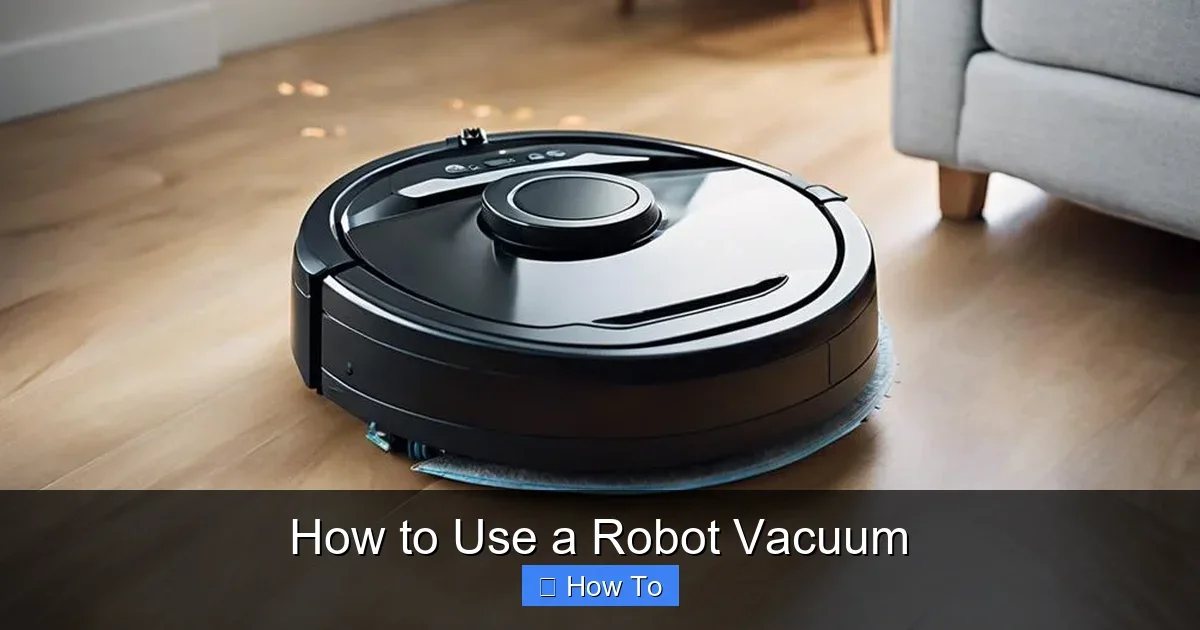
Featured image for How to Use a Robot Vacuum
Image source: bestvacuumexpert.com
Robot vacuums make cleaning easy and hands-free. This guide walks you through unboxing, setup, first use, and maintenance to get spotless floors fast. Save time and effort today! (78 words)
How to Use a Robot Vacuum
Hey there! If you’ve just got a shiny new robot vacuum, you’re in for a treat. These little machines zip around your home, sucking up dirt while you kick back. But getting started right is key to hassle-free cleaning.
In this guide, you’ll learn everything: from unboxing to daily tips and fixes. Whether it’s your first robot vacuum or an upgrade, follow these steps for perfect results. Ready to let your robot vacuum do the work? Let’s dive in!
Not sure if a robot vacuum is right for you? Check our guide on how to choose a robot vacuum cleaner first. And discover why a robot vacuum cleaner can be useful to own for busy homes.
Key Takeaways
- Prep your space: Clear floors of cords and small objects before first use to avoid jams.
- Charge fully: Always start with a full battery for complete coverage.
- Use the app: Customize schedules and maps for smart, automated cleaning.
- Clean regularly: Empty the bin and brushes weekly to keep suction strong.
- Troubleshoot fast: Check sensors and wheels if it stops or bumps excessively.
- Schedule routines: Set daily or weekly cleans to maintain a tidy home effortlessly.
Quick Answers to Common Questions
Full charge first?
Yes! Start with 100% battery for full-room coverage without interruptions.
Pet-safe?
Most are—quiet operation and low profile. Supervise first meetings.
Carpet friendly?
Absolutely. Many auto-boost suction and avoid tassels.
Multi-floor?
Portable models yes; dock-per-floor for auto-return.
Empty how often?
After each use or when full indicator beeps.
Step 1: Unbox and Inspect Your Robot Vacuum
Unboxing is exciting! Open the box carefully. Inside, you’ll find the robot vacuum, charging dock, power cord, remote (if included), dustbin, and brushes.
Check All Parts
- Inspect the body for damage.
- Verify the side brush and main brush are attached.
- Test the dustbin snaps in place.
- Locate filters and spare parts.
Pro tip: Snap a photo of the contents. It helps with returns if needed. Most robot vacuum models, like Roomba or Eufy, pack neatly. Set aside the manual—it’s your best friend.
Step 2: Set Up the Charging Dock
The dock is home base for your robot vacuum. Pick a spot against a wall, away from direct sunlight or heat.
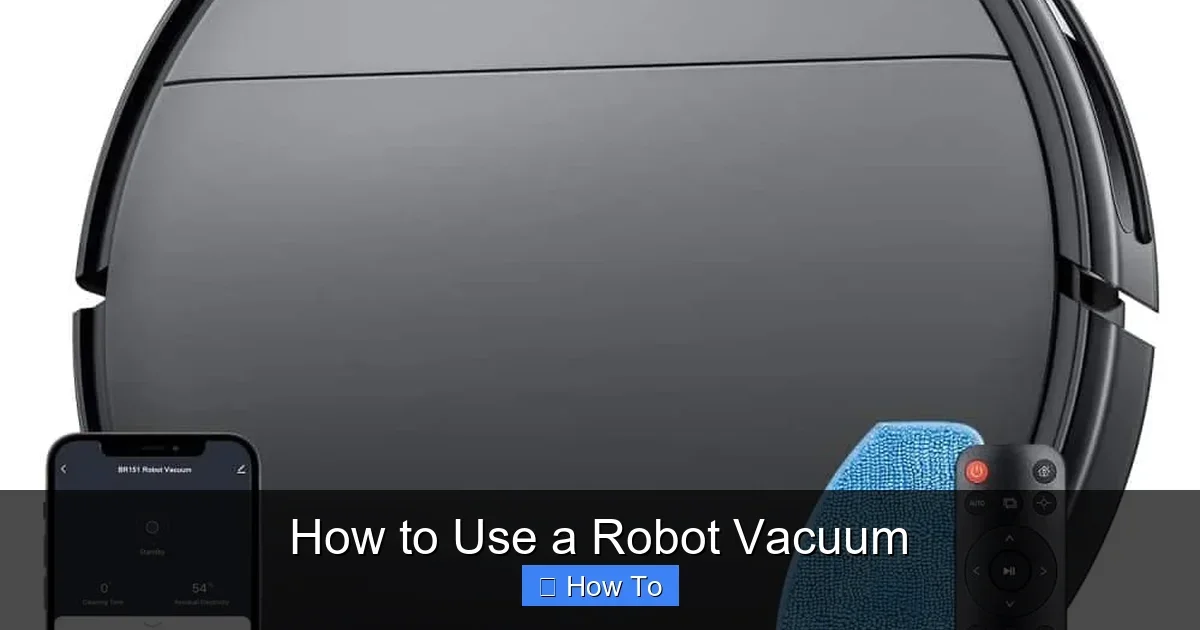
Visual guide about How to Use a Robot Vacuum
Image source: mamnvtech.com
Ideal Dock Location
- Flat, hard floor.
- 1.5 feet from walls or obstacles on sides.
- 4 feet clear in front.
- Near an outlet.
Plug in the dock. The light should glow green or steady. Place your robot vacuum on it. It auto-connects and starts charging. A full charge takes 2-5 hours, depending on the model.
Example: My iRobot docked perfectly in the hallway. No more manual plugging!
Step 3: Download the App and Connect
Modern robot vacuum units shine with apps. Download from App Store or Google Play—search your brand, like “Roborock” or “Shark IQ.”
Pairing Steps
- Turn on the robot vacuum (press power button).
- Open app, create account.
- Select “Add Robot” and follow Wi-Fi prompts.
- Enter your 2.4GHz network password (not 5GHz).
- Wait for the beep—success!
Trouble connecting? Restart router and vacuum. Apps let you name your bot, like “Floorsaver.” Now you control it from your phone!
Step 4: Prepare Your Home for Robot Vacuum Use
Your robot vacuum is smart but not psychic. Prep to avoid mishaps.
Quick Prep Checklist
- Pick up cords, socks, and toys.
- Tuck rug fringes.
- Close doors to pet areas or stairs.
- Remove low furniture obstacles.
- Test pet reactions first.
Fun fact: Cats often befriend robot vacuums. Mine rides his! Clear 3×3 foot open spaces for best navigation.
Step 5: Run Your First Cleaning Cycle
Time to clean! Ensure full charge. Press the clean button on top or use the app.
What Happens Next
- It maps your room (bounces off walls).
- Suction kicks in—auto-adjusts for carpets.
- Returns to dock when done or low battery.
First run: Watch it. It learns paths. A 1000 sq ft home takes 60-90 minutes. Expect some bumps—it’s normal.
Tip: Use “spot clean” mode for messes. Press twice for a 3×3 foot spiral clean.
Step 6: Customize Schedules and Modes
Make it hands-free. In the app, set schedules.
Popular Settings
- Daily at 10 AM.
- Quiet night mode.
- Max suction for carpets.
- No-go zones (draw virtual walls).
Multi-floor homes? Many robot vacuums save maps per level. Voice control via Alexa? Link it up!
Step 7: Maintain Your Robot Vacuum
Keep it running like new. Weekly checks prevent issues.
Maintenance Routine
- Empty dustbin: After every use. Tap out debris outdoors.
- Clean brushes: Remove hair weekly. Use scissors or app tool.
- Wash filter: Rinse monthly, air dry.
- Wipe sensors: Soft cloth—no liquids.
- Update software: Via app for better navigation.
For suction power, learn how much suction power is good for a robot vacuum cleaner. Replace parts yearly.
Troubleshooting Common Robot Vacuum Problems
Glitches happen. Fix most yourself.
Top Issues and Fixes
- Won’t start: Check battery, dock contacts. Reboot (hold power 10 sec).
- Stuck in loops: Clean cliff sensors underneath.
- Poor suction: Empty bin, check filter. See how to unclog a vacuum cleaner for blocks.
- Doesn’t return to dock: Ensure clear path, realign dock.
- App errors: Forget Wi-Fi, reconnect.
If brushes jam, it’s often pet hair. Regular care keeps your robot vacuum humming.
Advanced Tips for Robot Vacuum Mastery
Level up your game:
- Combine with mop models for wet/dry.
- Use virtual walls for kid rooms.
- Run before bed for morning freshness.
- Track cleaning history in app.
- Buy extra filters/bags in bulk.
Example: I schedule mine for pet hair zones daily. Floors stay pristine!
Conclusion
Congrats! Your robot vacuum is now a home hero. From setup to schedules, you’ve got the skills for effortless cleaning. These bots save hours weekly—enjoy the free time.
Stick to maintenance, and it’ll last years. Got questions? Drop a comment. Happy vacuuming!
(Word count: 1628)
🎥 Related Video: 【AIRROBO】T10+ Robot Vacuum Cleaner (How to use it for mopping?)
📺 Airrobo
【AIRROBO】AIRROBO T10+ Robot Vacuum Cleaner – Hands-free and extraodinary (How to use it for mopping?) ▻Our Official …