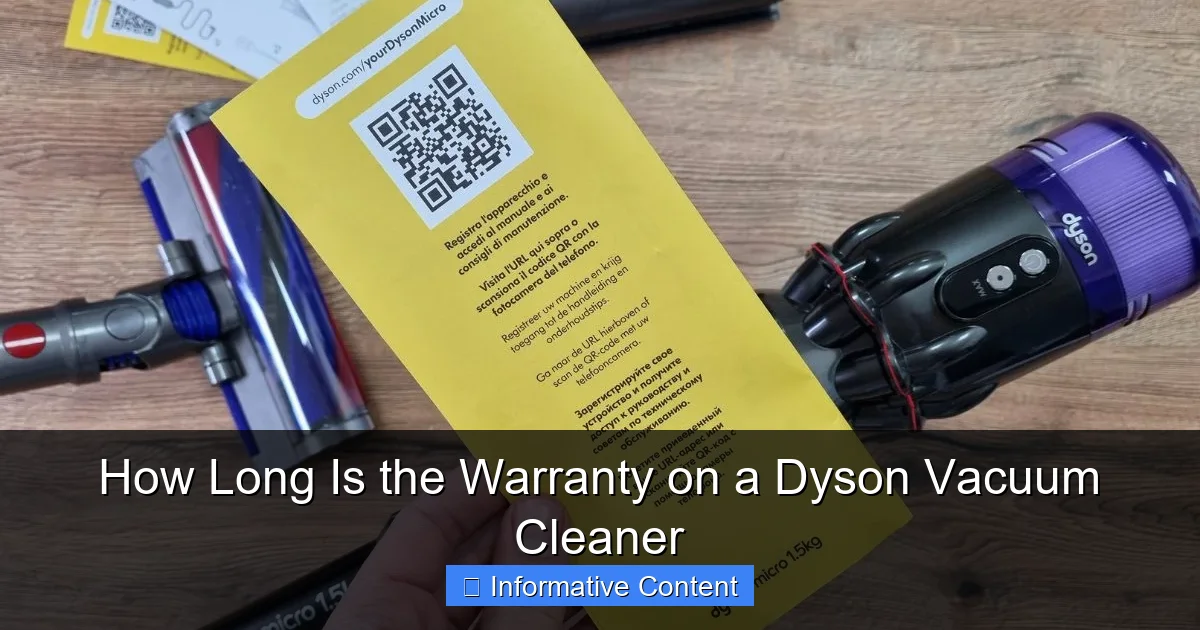
How Long Is the Warranty on a Dyson Vacuum Cleaner
Dyson vacuum cleaners typically come with a 2-year warranty for cordless models and a 5-year warranty for corded and robot models, covering parts and labor for defects in materials and workmanship. This ensures your investment is protected, provided the vacuum is used for normal domestic purposes and maintained correctly. Registering your product is crucial for a smooth warranty claim process.
Welcome, fellow clean-freaks and tech enthusiasts! If you’ve invested in a Dyson vacuum cleaner, you know you’re getting a powerful, innovative, and often sleek piece of household technology. Dyson products are designed to last, but like any intricate appliance, they can occasionally encounter an issue. That’s where the warranty comes in – your peace of mind that your investment is protected.
Understanding the specifics of your Dyson vacuum cleaner warranty is absolutely crucial. It’s not just about knowing “how long is the warranty on a Dyson vacuum cleaner,” but also what that warranty actually covers, what it doesn’t, and what you need to do to keep it valid. Think of this article as your friendly guide to navigating the world of Dyson warranties, ensuring you’re well-equipped for any unexpected bumps in your cleaning journey.
Why Warranty Knowledge Matters
Having a clear grasp of your Dyson vacuum cleaner warranty can save you time, money, and frustration down the line. Imagine a scenario where your vacuum suddenly stops working. If you know your warranty terms, you can quickly determine if the issue is covered and take the appropriate steps, rather than spending money on unnecessary repairs or replacements. It’s about being proactive and informed, so let’s dive into the details.
Key Takeaways
- Standard Warranty Periods: Dyson offers a 2-year warranty for most cordless vacuums and a 5-year warranty for corded upright, canister, and robot vacuum cleaners. Refurbished units often come with a 1-year warranty.
- Coverage Scope: The warranty covers defects in materials, workmanship, and function when used for normal domestic purposes, including parts and labor for necessary repairs.
- Exclusions Apply: Normal wear and tear, accidental damage, misuse, neglect, blockages, non-Dyson parts, unauthorized repairs, commercial use, and cosmetic damage are generally not covered.
- Importance of Registration: Registering your Dyson vacuum online is highly recommended as it simplifies warranty claims, provides proof of purchase, and allows Dyson to contact you with important updates.
- Making a Claim: To make a warranty claim, contact Dyson Customer Service with your product serial number and proof of purchase. They will guide you through troubleshooting and potential repair or replacement options.
- Maintaining Your Warranty: Adhering to Dyson’s operating instructions, regular filter cleaning, emptying the bin, and using only genuine Dyson parts are crucial for keeping your warranty valid.
- Proof of Purchase: Always retain your original purchase receipt or other valid proof of purchase as it is essential for any warranty service.
Quick Answers to Common Questions
How long is the warranty on a Dyson V10?
The Dyson V10, being a cordless stick vacuum, typically comes with a 2-year limited warranty covering parts and labor for defects in materials and workmanship.
Does the Dyson warranty cover accidental damage?
No, the standard Dyson warranty does not cover accidental damage, such as dropping the vacuum or running over a foreign object. It specifically covers defects in materials and workmanship under normal domestic use.
Do I need to register my Dyson vacuum for the warranty to be valid?
While registration isn’t strictly required for the warranty to be valid (you typically only need proof of purchase), Dyson highly recommends it. Registration simplifies the claims process and allows Dyson to provide you with product updates.
What is the warranty on a refurbished Dyson vacuum?
Refurbished Dyson vacuum cleaners purchased directly from Dyson or an authorized outlet usually come with a 1-year warranty. Always confirm the specific warranty period at the time of purchase.
Will my Dyson warranty be void if I don’t clean the filters?
Yes, neglecting routine maintenance such as cleaning filters and clearing blockages can be considered misuse or neglect. If damage occurs due to such neglect, your Dyson vacuum cleaner warranty may be voided.
📑 Table of Contents
Understanding Dyson’s Standard Warranty Policy
Dyson has a reputation for quality, and their warranty policy generally reflects this commitment to customer satisfaction. However, the exact length of your Dyson vacuum cleaner warranty can vary depending on the specific model you’ve purchased. It’s not a one-size-fits-all situation, so paying close attention to the product type is key.
Corded vs. Cordless Vacuum Cleaners
One of the primary distinctions Dyson makes in its warranty policy is between corded and cordless vacuum cleaners. This is a crucial detail when you’re asking, “how long is the warranty on a Dyson vacuum cleaner?”
- Cordless Vacuum Cleaners: Most Dyson cordless stick vacuums, like the popular V-series (V7, V8, V10, V11, V12, V15, Gen5detect), typically come with a 2-year warranty. This covers parts, labor, and transportation for defects in materials and workmanship from the date of purchase.
- Corded Upright, Canister, and Robot Vacuum Cleaners: For their larger, more traditional corded models (e.g., Ball Animal, Cinetic Big Ball) and their robot vacuums (e.g., Dyson 360 Vis Nav), Dyson usually provides a more extended 5-year warranty. Again, this comprehensive coverage includes parts, labor, and transportation.
It’s important to note that these are general guidelines. Always double-check the specific warranty terms provided with your vacuum cleaner at the time of purchase or on Dyson’s official website for the exact model you own.
Refurbished and Outlet Purchases
What if you didn’t buy your Dyson brand new? Many savvy shoppers opt for refurbished Dyson products directly from Dyson’s official outlet or authorized resellers. While these can offer significant savings, they often come with a different warranty period. Typically, refurbished Dyson vacuum cleaners purchased directly from Dyson or an authorized outlet will have a 1-year warranty. This is still a good level of protection for a reconditioned product, but it’s shorter than the new product warranties. Always confirm the warranty details when buying a refurbished unit.
Proof of Purchase is Paramount
No matter which Dyson vacuum cleaner you own or how long the warranty is, one thing is universally true: you will need proof of purchase to make a claim. This usually means your original sales receipt, but it could also be a gift receipt or a credit card statement showing the purchase. Keep this document in a safe place! Without it, Dyson may not be able to honor your warranty.
What Does Your Dyson Warranty Cover?
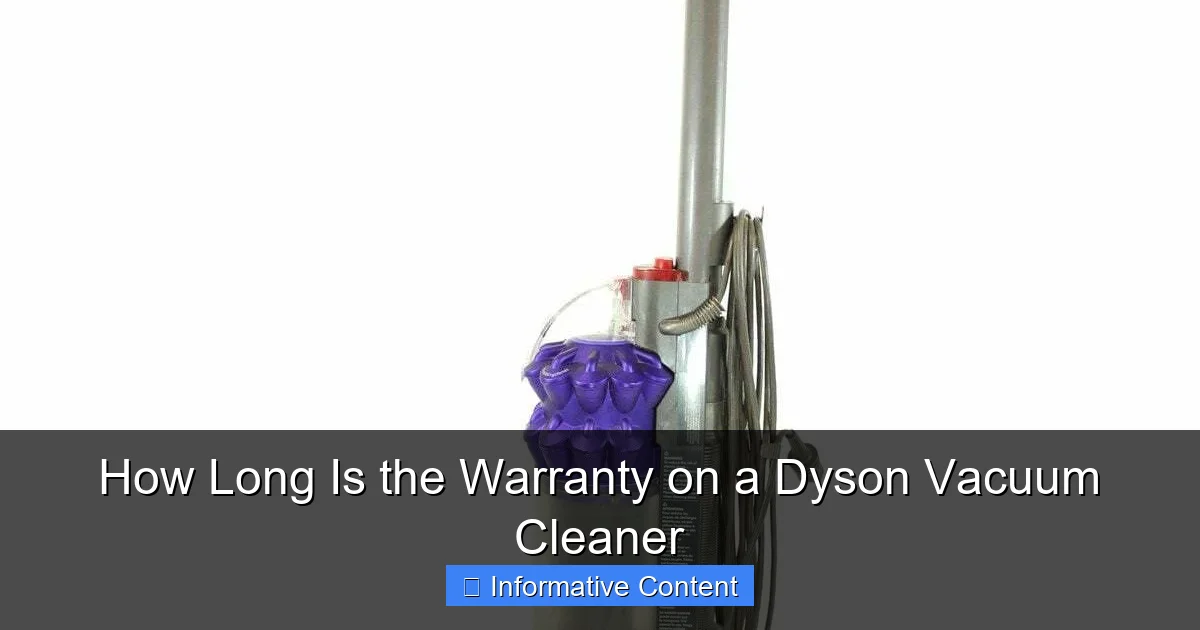
Visual guide about How Long Is the Warranty on a Dyson Vacuum Cleaner
Image source: vacuumsrus.com
Knowing how long your Dyson vacuum cleaner warranty lasts is only half the battle. The other, equally important half, is understanding what exactly that warranty protects you against. Dyson’s warranty is designed to cover manufacturing defects and material flaws, ensuring that the product performs as intended under normal conditions.
Defects in Materials and Workmanship
The core of your Dyson warranty is protection against defects in materials and workmanship. This means if a component breaks due to a fault in its manufacturing or the way it was assembled, Dyson will repair or replace it. For example:
- If a motor unexpectedly fails due to a manufacturing flaw.
- If an electronic component malfunctions without external damage.
- If a critical part like the brush bar mechanism breaks down under normal use.
This coverage ensures that you received a product free from inherent faults.
Parts, Labor, and Transportation
A significant benefit of the Dyson warranty is that it’s typically comprehensive. If a repair is needed for a covered issue, the warranty covers:
- Parts: Any necessary replacement parts will be provided by Dyson.
- Labor: The cost of the technician’s time to diagnose and repair the fault.
- Transportation: In many cases, Dyson will cover the cost of shipping your vacuum to and from their service centers, or they may offer home service depending on your location and the specific issue.
This “all-inclusive” approach to covered repairs means you won’t face unexpected costs if your vacuum needs servicing due to a warranty-eligible defect.
Normal Domestic Use
It’s vital to remember that the Dyson vacuum cleaner warranty is valid for products used for “normal domestic purposes.” This means if you’re using your Dyson to clean your home, apartment, or personal living space, you’re good. If you decide to use your Dyson in a commercial setting – say, for a cleaning business, a hotel, or an office – the warranty will likely be voided. Dyson products designed for commercial use have separate warranties.
What Isn’t Covered by Your Dyson Warranty?
Just as important as knowing what’s covered is understanding the limitations. The Dyson vacuum cleaner warranty is robust, but it’s not an all-encompassing insurance policy. There are several common scenarios where Dyson will not provide free repair or replacement under warranty.
Normal Wear and Tear
Over time, certain parts of your Dyson vacuum will naturally wear out. This is expected and not considered a defect. Examples include:
- Filters: While washable, filters have a finite lifespan and will eventually need replacement.
- Brush bars/rolls: These get a lot of action and can show signs of wear, especially if exposed to abrasive materials.
- Belts: If your model has belts, they can stretch or break over time.
- Cosmetic damage: Scratches, dents, or discoloration from everyday use are not covered.
These items are considered consumables or subject to normal degradation and are the owner’s responsibility to replace.
Accidental Damage, Misuse, and Neglect
This is a big one. The warranty does not cover damage caused by you or external factors.
- Accidental damage: Dropping your vacuum, running over a power cord, or knocking it down the stairs.
- Misuse: Using the vacuum for purposes it wasn’t designed for (e.g., sucking up liquids unless it’s a wet/dry model, which Dyson vacuums typically aren’t).
- Neglect: Failing to perform routine maintenance, such as emptying the bin, cleaning filters, or clearing blockages, leading to damage.
Always refer to your user manual for proper operating and maintenance instructions to avoid voiding your Dyson vacuum cleaner warranty.
Blockages and Foreign Objects
If your vacuum loses suction, the first thing Dyson will usually ask you to check for is a blockage. If a blockage (from debris, hair, or larger items) causes damage to the motor or other components, this is typically not covered by the warranty. Similarly, if you accidentally vacuum up a foreign object (like a coin, a sock, or a small toy) and it damages the internal mechanisms, the repair cost will be your responsibility.
Unauthorized Repairs and Non-Dyson Parts
Tinkering with your Dyson vacuum cleaner yourself or taking it to an unauthorized repair shop can void your warranty. Using non-Dyson genuine parts for repairs or replacements can also lead to warranty invalidation. Dyson ensures their genuine parts meet specific quality and safety standards. Always contact Dyson directly for service or use authorized service centers and genuine Dyson parts.
How to Register Your Dyson Product and Why It Matters
You’ve just unboxed your shiny new Dyson vacuum, and you’re eager to start cleaning. Before you dive in, take a few minutes to register your product. This simple step is often overlooked but plays a crucial role in leveraging your Dyson vacuum cleaner warranty.
The Benefits of Registration
Registering your Dyson product is quick, free, and offers several significant advantages:
- Simplified Warranty Claims: When you register, Dyson has your purchase date, model information, and serial number on file. This streamlines the process if you ever need to make a warranty claim, as they can quickly verify your eligibility.
- Proof of Ownership: Registration acts as an additional layer of proof that you own the vacuum, which can be helpful if your physical receipt is lost.
- Product Updates and Safety Notices: Dyson can contact you directly with important product information, safety recalls, or helpful tips to get the most out of your vacuum.
- Personalized Support: Registered users may receive more tailored customer support and advice.
Steps to Register Your Dyson Vacuum
Registering your Dyson is straightforward:
- Locate Your Serial Number: Your serial number is usually found on a sticker on the main body of the vacuum cleaner, often near the bin or battery for cordless models, or on the base for corded models. It’s typically a long string of letters and numbers.
- Visit the Dyson Website: Go to Dyson’s official website for your region (e.g., dyson.com for the US, dyson.co.uk for the UK).
- Find the Registration Page: Look for a “Register Your Product” or “Support” section.
- Fill Out the Form: You’ll need to enter your serial number, purchase date, place of purchase, and some personal details.
- Confirm: Submit the form, and you’re all set!
Taking these few minutes upfront can save you headaches later if you ever need to utilize your Dyson vacuum cleaner warranty.
Making a Warranty Claim: Step-by-Step Guide
Despite their robust engineering, sometimes even a Dyson needs a little TLC. If you believe your issue is covered under your Dyson vacuum cleaner warranty, here’s how to proceed.
1. Initial Troubleshooting
Before contacting Dyson, perform some basic troubleshooting. Many common issues, like loss of suction, are due to blockages or dirty filters, which aren’t warranty issues.
- Check for Blockages: Refer to your manual for instructions on checking the main cleaner head, wand, and bin inlet for obstructions.
- Clean Filters: Washable filters should be cleaned regularly according to Dyson’s instructions and allowed to dry completely.
- Empty the Bin: A full bin can significantly reduce suction.
- Check Power: Ensure the unit is properly charged (cordless) or plugged in correctly (corded).
If these steps resolve the problem, great! If not, it’s time to contact Dyson.
2. Gather Your Information
When you contact Dyson, have the following ready:
- Serial Number: (As found on your vacuum).
- Proof of Purchase: Your original receipt or bank statement.
- Description of the Problem: Be clear and concise about what’s happening. When did it start? What exactly is the vacuum doing (or not doing)?
- Contact Information: Your name, address, phone number, and email.
3. Contact Dyson Customer Service
This is the official channel for making a warranty claim.
- Phone: Dyson’s customer service lines are usually the quickest way to speak to a representative. You can find the relevant number on their website.
- Online Chat: Many regions offer an online chat service for immediate assistance.
- Email: While an option, email responses can sometimes take longer.
Explain the issue clearly to the representative. They will guide you through further diagnostic steps over the phone.
4. Repair, Replacement, or Service
Based on their diagnosis, Dyson will advise on the next steps:
- DIY Fix: For minor issues, they might guide you through a simple fix you can perform at home.
- Part Shipment: If a small, easily replaceable part is faulty, they might send you a new part directly.
- Service Center Repair: For more complex issues, they will arrange for your vacuum to be sent to a Dyson authorized service center for repair. This often involves free shipping labels.
- Replacement Unit: In rare cases, if the vacuum is deemed irreparable or the cost of repair exceeds the value, Dyson may offer a replacement unit.
Remember, all these services for covered issues are generally free under your Dyson vacuum cleaner warranty.
Tips for Maintaining Your Dyson and Preserving Your Warranty
While the Dyson warranty offers great protection, proactive maintenance is your best defense against issues and ensures your vacuum performs optimally for years. Plus, following these tips can help ensure your Dyson vacuum cleaner warranty remains valid.
Follow the User Manual Diligently
Your Dyson vacuum cleaner comes with a comprehensive user manual for a reason. Read it! It contains crucial information on:
- Proper assembly and disassembly.
- Recommended cleaning and maintenance schedules (e.g., how often to clean filters).
- Troubleshooting common issues.
- Safety warnings and usage guidelines.
Ignoring these instructions can lead to damage that isn’t covered by your Dyson vacuum cleaner warranty.
Regular Filter Cleaning and Replacement
This is perhaps the most common maintenance task and one of the biggest factors in maintaining suction power.
- Washable Filters: Most Dyson filters are washable. Rinse them under cold water until the water runs clear, then let them air dry completely for at least 24 hours before reinserting. Never put them in a dryer or use heat.
- Filter Lifespan: Even washable filters have a lifespan. Check your manual for recommendations on when to replace them, typically every 12-24 months depending on usage.
A dirty filter not only reduces performance but can also strain the motor, potentially leading to issues not covered by warranty if neglect is evident.
Clear Blockages Promptly
If you notice a sudden drop in suction or an unusual noise, check for blockages immediately. Hair, string, and debris can easily get caught in the brush bar, wand, or airways. Promptly clearing these prevents strain on the motor and other components, helping to preserve your Dyson vacuum cleaner warranty.
Use Genuine Dyson Parts and Accessories
If you need to replace a part (like a new filter, a different cleaner head, or a battery), always opt for genuine Dyson parts. Using third-party components might seem like a cost-saving measure, but they can sometimes fit poorly, perform sub-optimally, or even damage your vacuum. Using non-genuine parts can also void your Dyson vacuum cleaner warranty.
Store Your Dyson Properly
Protect your vacuum from extreme temperatures, moisture, and accidental damage. For cordless models, use the wall-mounted docking station if provided. For corded models, coil the cord neatly and store it in a dry, safe place.
Conclusion
Knowing “how long is the warranty on a Dyson vacuum cleaner” is just the beginning. A Dyson vacuum is a significant investment in a cleaner, more efficient home, and understanding its warranty thoroughly ensures that investment is well-protected. From the 2-year coverage for cordless models to the 5-year promise on corded and robot vacuums, Dyson provides solid backing for its innovative technology.
Remember to register your product, keep your proof of purchase safe, and perform routine maintenance as outlined in your manual. These simple steps can make all the difference should you ever need to make a claim. By being informed and proactive, you can enjoy the powerful cleaning performance of your Dyson vacuum cleaner for many years to come, confident in the knowledge that you understand your warranty inside and out. Happy cleaning!
Frequently Asked Questions
How do I find my Dyson vacuum’s serial number?
Your Dyson vacuum’s serial number is typically located on a sticker on the main body of the appliance. For cordless models, it’s often near the battery or dust bin. For upright or canister models, check the base or beneath the bin area.
Can I extend my Dyson warranty beyond the standard period?
Dyson does not typically offer extended warranty plans directly. However, some retailers or credit card companies may offer their own extended protection plans. Always check the terms and conditions of any third-party extended warranty carefully.
What should I do if my Dyson vacuum loses suction?
If your Dyson vacuum loses suction, first check for blockages in the cleaner head, wand, and bin inlet. Also, ensure the dust bin is empty and the filters are clean and completely dry. Most suction issues are resolved by these simple steps.
Does the Dyson warranty cover the battery in cordless models?
Yes, the battery in Dyson cordless vacuums is typically covered under the standard warranty period (usually 2 years) for defects in materials and workmanship. Normal degradation of battery performance over time due to usage is generally not considered a defect.
Can I get my Dyson vacuum repaired at any service center under warranty?
To ensure your warranty remains valid and the repair is covered, you should only use Dyson authorized service centers or follow Dyson’s instructions for repair. Unauthorized repairs can void your Dyson vacuum cleaner warranty.
What if I bought my Dyson vacuum from a non-authorized reseller?
If you purchased your Dyson vacuum from a non-authorized reseller, your warranty status might be affected. Dyson’s warranty is generally valid only for products purchased from authorized Dyson retailers. Always retain your proof of purchase from a reputable source.