
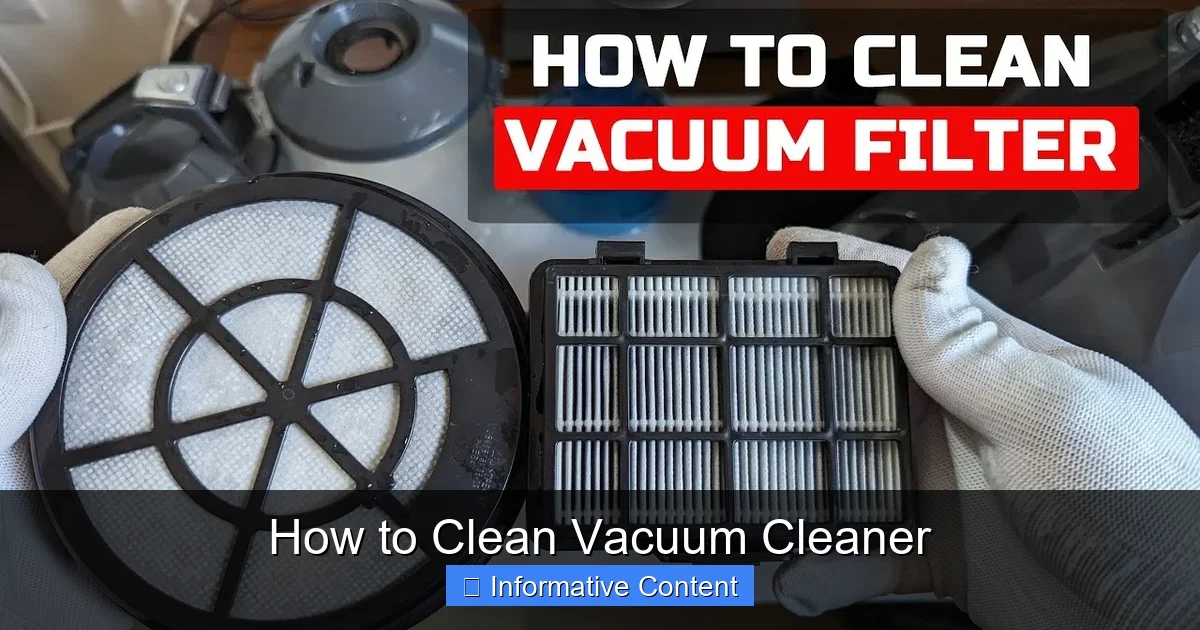
Keeping your vacuum cleaner clean isn’t just about hygiene—it’s essential for performance and longevity. Regular maintenance prevents clogs, maintains suction power, and extends the life of your machine. This guide walks you through every step to clean vacuum cleaner components safely and thoroughly.
You rely on your vacuum cleaner to keep your floors spotless, but have you ever stopped to think about how clean the vacuum itself is? Just like any other appliance, your vacuum needs regular care to work at its best. Over time, dust, hair, and debris build up inside, clogging filters, blocking hoses, and slowing down the motor. If left unchecked, this can lead to poor suction, overheating, and even permanent damage.
Cleaning your vacuum cleaner might sound like a chore, but it’s actually quick, easy, and well worth the effort. Not only does it improve performance, but it also helps your machine last longer—saving you money in the long run. Whether you own a bagged upright, a bagless canister, a robot, or a cordless stick model, the basics of maintenance remain the same. In this guide, we’ll walk you through everything you need to know to clean vacuum cleaner parts thoroughly and safely.
Key Takeaways
- Clean the dustbin or bag regularly: Empty it after every few uses to prevent overflow and maintain suction.
- Wash or replace filters monthly: Dirty filters reduce airflow and strain the motor—clean them based on your model’s instructions.
- Clear the brush roll weekly: Hair, string, and debris wrap around the brush, reducing efficiency and potentially damaging the motor.
- Inspect and clean the hose monthly: Blockages here are a common cause of weak suction—use a long brush or straightened coat hanger to clear them.
- Wipe down exterior and attachments: Use a damp cloth to remove dust and grime from surfaces and tools.
- Check belts for wear and tear: Replace worn or stretched belts to keep the brush roll spinning properly.
- Store properly after cleaning: Keep your vacuum in a dry, cool place with attachments organized to avoid damage.
Quick Answers to Common Questions
How often should I clean my vacuum cleaner?
Clean the dustbin after every 2–3 uses, the brush roll weekly, and the filter monthly. Deep clean the hose and attachments every 2–3 months.
Can I wash my vacuum cleaner filter?
It depends on the type. Foam and some HEPA filters are washable—rinse gently and air-dry. Paper filters should be replaced, not washed.
Why is my vacuum losing suction?
Common causes include a full dustbin, clogged hose, dirty filter, or jammed brush roll. Check and clean these parts to restore suction.
How do I clean a clogged vacuum hose?
Detach the hose, locate the blockage with a flashlight, and use a long brush or wire to remove debris. Rinse if washable and let dry.
Should I clean my vacuum after every use?
You don’t need to deep clean it every time, but empty the dustbin and check for visible debris after each use to maintain performance.
📑 Table of Contents
Why Cleaning Your Vacuum Cleaner Matters
Think of your vacuum as a hardworking teammate in your cleaning routine. When it’s clogged or dirty, it can’t do its job properly. A dirty vacuum doesn’t just leave dirt behind—it can also spread allergens and bacteria back into your home. For example, if the filter is clogged, air can’t flow through efficiently, so dust and pet dander get blown back out instead of being trapped.
Regular cleaning also protects the motor. When dust builds up in the brush roll or hose, the motor has to work harder to pull air through. This extra strain can cause overheating and shorten the lifespan of your vacuum. Plus, a well-maintained vacuum uses less energy, which is better for both your electricity bill and the environment.
Signs Your Vacuum Needs Cleaning
- Reduced suction power
- Unusual noises or smells during use
- Visible dust or debris escaping from the exhaust
- The brush roll isn’t spinning freely
- The vacuum feels hot after short use
How to Clean the Dustbin or Bag
The first step in cleaning your vacuum cleaner is emptying the dustbin or replacing the bag. For bagless models, this should be done after every 2–3 uses, or when the bin is about two-thirds full. Overfilling reduces suction and can cause dust to blow back into the air.
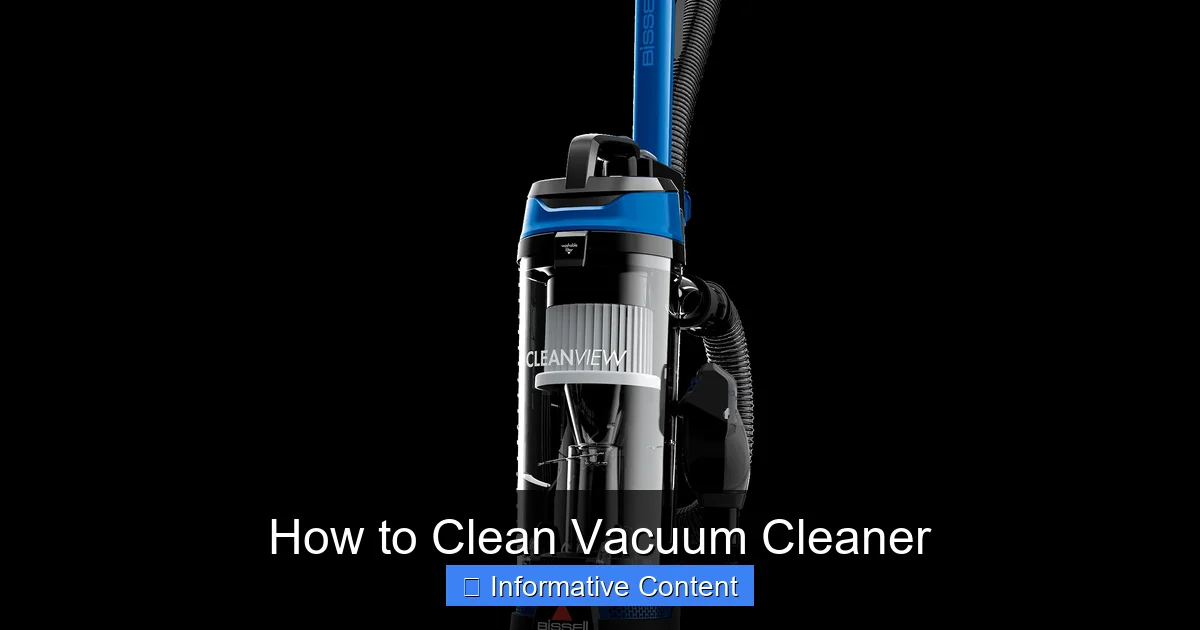
Visual guide about How to Clean Vacuum Cleaner
Image source: bissell.com
Steps to Empty a Bagless Dustbin
- Turn off and unplug the vacuum.
- Remove the dustbin by pressing the release button or lifting it out.
- Hold the bin over a trash can and press the bottom release to empty it.
- Use a dry cloth or soft brush to wipe away any stuck debris.
- Rinse the bin with water if your model allows it—check the manual first. Let it dry completely before reinserting.
For bagged vacuums, replace the bag when it’s about ⅔ full. Continuing to use a full bag forces the motor to work harder and can lead to leaks or tears. Always use manufacturer-recommended bags for the best fit and performance.
How to Clean Vacuum Cleaner Filters
Filters are the lungs of your vacuum—they trap fine particles and keep them from re-entering your home. Over time, they get clogged with dust, pollen, and pet hair, which reduces airflow and efficiency. Cleaning or replacing filters is one of the most important steps in maintaining your vacuum.
Types of Filters and How to Clean Them
- Foam filters: Rinse gently under warm water until clean. Let air-dry for at least 24 hours before reinstalling.
- HEPA filters: Some are washable—check the label. If not, tap gently to remove loose dust and replace every 6–12 months.
- Paper or non-washable filters: These should be replaced, not washed. Dispose of them when visibly dirty.
For detailed instructions on specific models, visit our guide on how to clean vacuum cleaner filter or how to clean a vacuum cleaner filter. Regular filter care ensures your vacuum runs smoothly and keeps your indoor air clean.
How to Clean the Brush Roll and Belt
The brush roll (or beater bar) is responsible for agitating carpet fibers to loosen dirt. But it’s also a magnet for hair, string, and pet fur, which can wrap around the rollers and stop them from spinning. A jammed brush roll not only reduces cleaning power but can also burn out the motor.
Steps to Clean the Brush Roll
- Flip the vacuum over and locate the brush roll cover.
- Use a screwdriver or coin to remove the cover (some models have tool-free access).
- Carefully cut away wrapped hair and debris using scissors or a seam ripper.
- Pull out the brush roll and wipe it clean with a damp cloth.
- Check the bearings for smooth rotation—replace if stiff or noisy.
- Reinstall the brush roll and cover securely.
While you’re at it, inspect the drive belt. If it looks stretched, cracked, or loose, it’s time to replace it. A broken belt means the brush roll won’t spin at all. For step-by-step help, check out our article on how to clean vacuum cleaner brush.
How to Clean Vacuum Cleaner Hose and Attachments
The hose is another common culprit when suction drops. It can get clogged with large debris, pet hair, or even small toys. Cleaning it regularly ensures air flows freely from the floor to the dustbin.
How to Clear a Clogged Hose
- Detach the hose from the vacuum body.
- Shine a flashlight inside to locate the blockage.
- Use a long, flexible brush or a straightened wire coat hanger to push or pull out the debris.
- Rinse the hose with water if it’s washable—let it dry completely before reattaching.
Don’t forget the attachments! Wipe down crevice tools, dusting brushes, and upholstery nozzles with a damp cloth. Remove any hair or fibers stuck in the openings. For more tips, see our guide on how to clean vacuum cleaner hose.
Exterior Cleaning and Final Tips
Once the internal parts are clean, give the outside of your vacuum some attention. Wipe down the body, handle, and wheels with a soft, damp cloth. Avoid harsh chemicals—mild soap and water work best. Dry thoroughly to prevent rust or electrical issues.
Store your vacuum in a cool, dry place. Keep attachments in a bag or organizer to prevent loss or damage. If you have a corded model, wrap the cord neatly to avoid tangles.
Finally, create a cleaning schedule. Mark your calendar to clean the filter monthly, the brush roll weekly, and the hose every few months. Consistency is key to keeping your vacuum in top shape.
By following these steps, you’ll not only clean vacuum cleaner components effectively but also enjoy stronger suction, quieter operation, and a longer-lasting machine. A little maintenance goes a long way!
Frequently Asked Questions
How do I clean a Dyson vacuum cleaner?
Start by emptying the bin, washing the filters, and clearing the brush roll. Dyson models often have washable filters—rinse and dry completely. For detailed steps, visit our Dyson cleaning guide.
Can I use water to clean my vacuum cleaner?
Only certain parts are water-safe, like the dustbin and some filters. Never submerge the motor or electrical components. Always check the manual first.
How do I clean a Shark vacuum cleaner?
Remove and empty the dust cup, clean the filters, and cut hair from the brush roll. Shark models often have tool-free access for easy maintenance. See our Shark vacuum cleaning guide for more.
What happens if I don’t clean my vacuum?
Ignoring maintenance leads to reduced suction, overheating, motor damage, and poor air quality. Regular cleaning prevents these issues and extends your vacuum’s life.
How do I clean a vacuum cleaner with a bag?
Replace the bag when it’s two-thirds full. Never reuse or overfill it. Also clean the filter and check the hose and brush roll regularly.
Is it safe to vacuum water with my vacuum cleaner?
Only if it’s a wet/dry (shop) vacuum. Standard vacuums are not designed for liquids and can be damaged or pose an electrical hazard.