
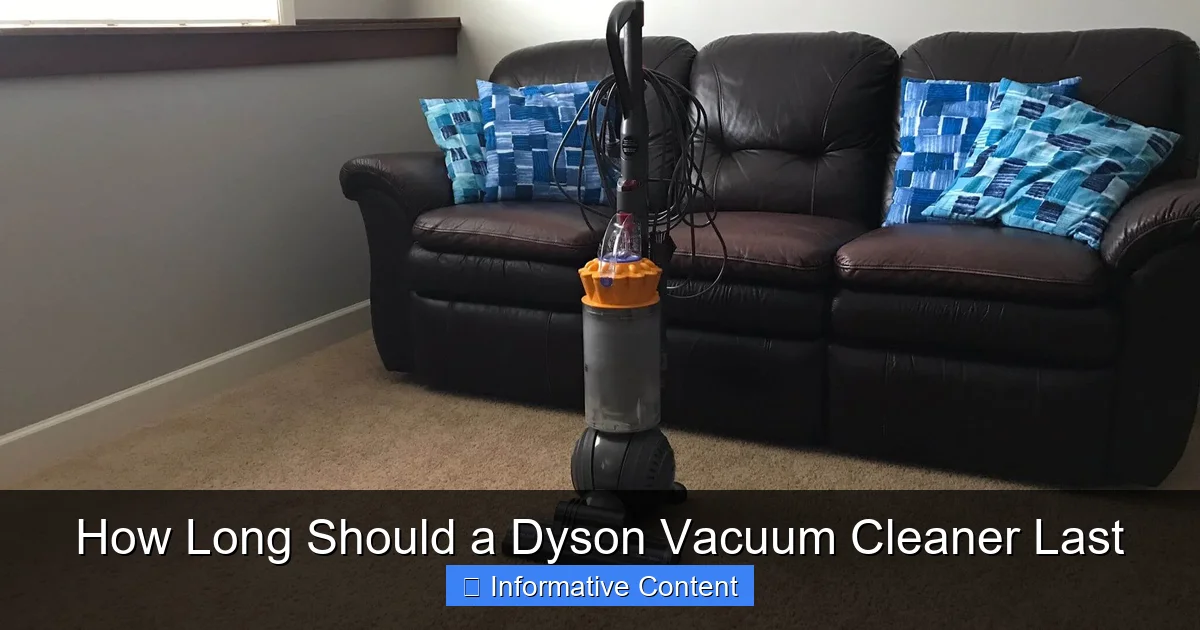
When asking how long should a Dyson vacuum cleaner last, you can generally expect 5 to 10 years, often more, with proper care. Factors like usage frequency, maintenance habits, and the specific model play a huge role in its longevity. Regular filter cleaning, prompt bin emptying, and careful handling are key to maximizing your Dyson’s working life.
How Long Should a Dyson Vacuum Cleaner Last
You’ve invested in a Dyson vacuum cleaner, known for its powerful suction, innovative design, and often, its premium price tag. Naturally, when you make such an investment, you want to know you’re getting your money’s worth. A common question that comes up is, “How long should a Dyson vacuum cleaner last?” It’s a fair query, and one that doesn’t have a single, simple answer, but rather a range influenced by several important factors.
Dyson has built a strong reputation for engineering quality and durability. Their vacuums are designed to be workhorses, tackling everything from everyday dust to stubborn pet hair. However, even the best machines aren’t immune to wear and tear. Understanding the typical lifespan of a Dyson, what affects it, and how you can actively contribute to its longevity will help you get the most out out of your purchase for years to come.
In this comprehensive guide, we’ll delve into what you can realistically expect from your Dyson vacuum cleaner, from its initial purchase to when it might eventually need a significant repair or even retirement. We’ll cover the crucial maintenance steps you can take, highlight key factors that influence durability, and offer advice on recognizing signs of wear and tear. So, let’s explore how long a Dyson vacuum cleaner should last and how you can help it go the distance!
Key Takeaways
- Expected Lifespan: A well-maintained Dyson vacuum cleaner typically lasts between 5 to 10 years, with many owners reporting even longer lifespans.
- Maintenance is Crucial: Regular filter cleaning, emptying the dustbin, and clearing brush bar tangles are paramount for extending your Dyson’s life and maintaining suction.
- Usage Habits Matter: Frequent, heavy-duty cleaning of large areas with lots of pet hair or fine dust will naturally put more wear and tear on your machine than light, occasional use.
- Battery Lifespan: For cordless models, the battery is often the first component to degrade, usually lasting 2-4 years before needing replacement, though the vacuum itself can last much longer.
- Repair vs. Replace: Consider the cost of repair relative to a new machine and the age of your Dyson when deciding whether to fix a problem or invest in an upgrade.
- Dyson Warranty: Most Dyson vacuum cleaners come with a 2 to 5-year warranty, covering parts and labor, which is a good indicator of their expected minimum durability.
Quick Answers to Common Questions
How often should I clean my Dyson filter?
Most washable Dyson filters should be cleaned with cold water at least once a month, or more frequently if you use your vacuum heavily or have pets. Ensure it’s completely dry (24+ hours) before reinserting.
What is the typical battery life for a cordless Dyson?
The rechargeable battery in a cordless Dyson typically lasts 2 to 4 years with regular use, though this can vary based on charging habits and usage intensity. Replacement batteries are usually available and can extend the vacuum’s life.
Can I use my Dyson for wet spills?
No, most Dyson vacuum cleaners are designed for dry vacuuming only. Using them on wet spills can cause severe damage to the motor and electrical components, and will void your warranty.
What should I do if my Dyson loses suction?
First, check for a full dustbin, a clogged filter, or blockages in the hose or brush bar. These are the most common causes of reduced suction and are often easily fixed with routine maintenance.
Are Dyson vacuums worth the investment?
Many users find Dyson vacuums worth the investment due to their powerful suction, innovative features, and generally long lifespan (5-10+ years with proper maintenance). Their durability and performance often justify the higher price point over time.
📑 Table of Contents
The Dyson Longevity Promise: What to Expect
When considering how long a Dyson vacuum cleaner should last, a good starting point is the general expectation for high-quality vacuum cleaners. Most premium vacuum brands aim for a lifespan of 5 to 10 years. Dyson, with its robust engineering and rigorous testing, typically falls comfortably within or even exceeds this range.
Many Dyson owners report their machines lasting well over five years, with some corded models even performing admirably for a decade or more. Cordless Dyson vacuums, while incredibly convenient, tend to have a slightly different longevity profile due to their rechargeable batteries, which are often the first component to show signs of age. However, the vacuum itself, if well-maintained, can continue to function for many years even with a battery replacement.
General Lifespan Estimates by Dyson Type
- Corded Upright/Canister Dysons: These robust machines often have the longest lifespans, frequently exceeding 7-10 years. Their powerful motors and continuous power supply contribute to their durability.
- Cordless Stick Dysons: While the overall vacuum structure can last 5-8+ years, their batteries typically have a lifespan of 2-4 years, sometimes more with careful charging habits. Replacing the battery is usually straightforward and can significantly extend the life of the entire unit.
- Handheld Dysons: Similar to stick vacuums, the battery life is a key factor here, usually 2-4 years. The compact nature and lighter usage often mean the main unit itself holds up well for 5+ years.
Remember, these are averages. Your personal experience with how long a Dyson vacuum cleaner lasts will largely depend on how you use and care for it.
Key Factors Influencing Your Dyson’s Lifespan
Several variables play a significant role in determining how long your Dyson vacuum cleaner will last. Being aware of these factors can help you make informed decisions about usage and maintenance.
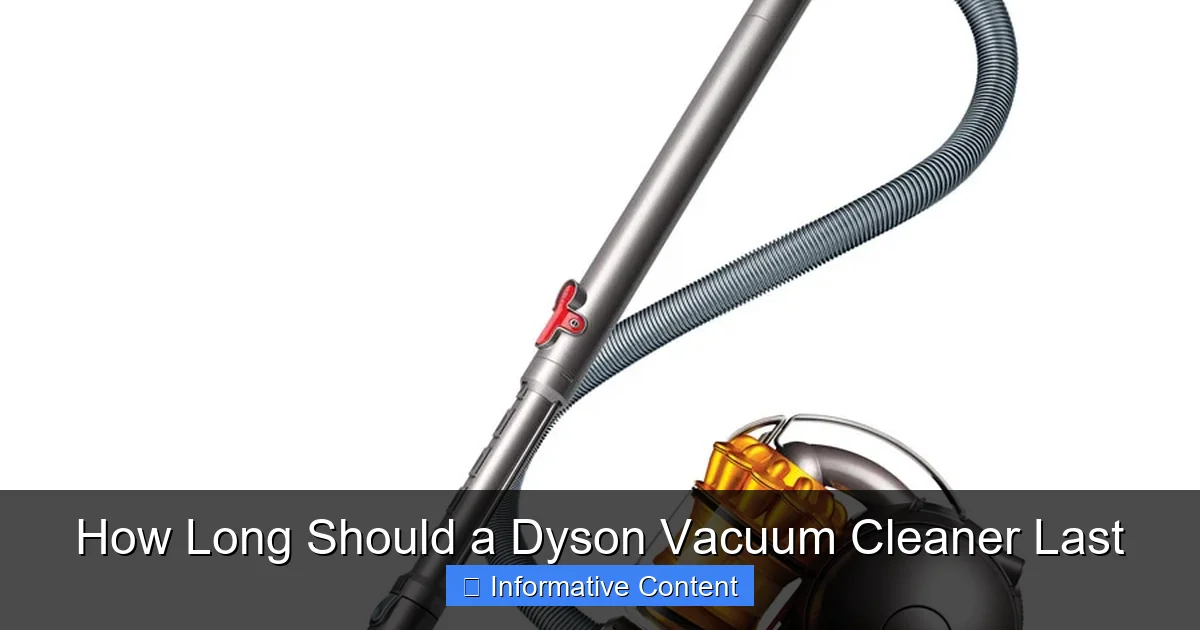
Visual guide about How Long Should a Dyson Vacuum Cleaner Last
Image source: g-ecx.images-amazon.com
Usage Frequency and Intensity
This is perhaps the most obvious factor. A Dyson vacuum cleaner used daily in a large home with multiple pets will experience far more wear and tear than one used weekly in a small apartment with no furry friends. High-intensity use means the motor works harder, filters get dirtier faster, and moving parts are under more stress. If you have a demanding cleaning routine, it’s even more crucial to adhere to maintenance schedules.
Maintenance Habits
Proper maintenance is the single most important thing you can do to extend the life of your Dyson. Neglecting simple tasks like cleaning filters, emptying the bin, or clearing brush bar tangles can drastically reduce how long your Dyson vacuum cleaner lasts. We’ll dive into specific tips shortly, but suffice it to say, a little effort goes a long way.
Environment and Debris Type
What you’re vacuuming also impacts longevity. Regular vacuuming of fine dust, sand, or pet hair can be tougher on filters and motors than picking up larger, lighter debris. Concrete dust, for instance, is incredibly abrasive and can wear down internal components over time. Similarly, sucking up liquids (unless it’s a wet/dry model, which most Dysons are not) can cause immediate and irreparable damage.
Model Specifics and Design
Different Dyson models are built for different purposes. An upright model designed for whole-home cleaning might have a more robust motor and larger capacity than a lightweight stick vacuum. The materials used and the specific engineering for each model can also affect its inherent durability. For cordless models, the battery chemistry and charging cycles are particularly important.
Essential Maintenance Tips to Extend Your Dyson’s Life
Want your Dyson vacuum cleaner to last as long as possible? These practical maintenance steps are your best friends. They’re straightforward, take minimal time, and make a huge difference.
Regular Filter Cleaning and Replacement
This is probably the most critical maintenance task. Your Dyson’s filter traps microscopic particles, preventing them from recirculating into your air and, more importantly, protecting the motor. A clogged filter restricts airflow, forcing the motor to work harder, which generates more heat and can lead to premature failure. Dyson filters are typically washable and should be rinsed with cold water at least once a month (or more frequently with heavy use) and allowed to air dry completely for at least 24 hours before reinserting. Some models have multiple filters; check your manual for specific instructions. Replace non-washable filters as recommended, usually every 6-12 months.
Emptying the Dustbin Promptly
It sounds simple, but many people let the dustbin overfill. When the bin is too full, it restricts airflow and reduces suction power, again making the motor work harder. Empty the bin when debris reaches the “MAX” line. It also prevents dirt from falling back out when you turn off the machine.
Checking and Clearing the Brush Bar
Hair, string, and fibers can easily get tangled around the brush bar in the cleaner head. These tangles can prevent the brush bar from spinning effectively, reducing its ability to pick up debris, and putting strain on the motor that drives it. Periodically remove the cleaner head (follow your manual’s instructions) and carefully snip and remove any tangled material. Some Dyson models have tangle-free brush bars, which require less frequent cleaning but still benefit from occasional inspection.
Inspecting Hoses and Attachments for Blockages
Reduced suction can often be traced back to a blockage in the hose or an attachment. If you notice a sudden drop in power, disconnect the wand and hose sections and look for obstructions. You can often use a broom handle or a long stick to push blockages through. Never use anything sharp that could puncture the hose.
Battery Care for Cordless Models
The battery is often the first component to age in a cordless Dyson. To maximize its lifespan:
- Avoid extreme temperatures: Don’t leave your Dyson in a hot car or charge it in very cold environments.
- Don’t store it completely depleted: If you’re putting your Dyson away for an extended period, try to leave the battery with some charge (around 50-80%) rather than fully empty.
- Use the correct charger: Always use the genuine Dyson charger that came with your vacuum.
- Cycle charging: While not as critical with modern lithium-ion batteries, occasionally letting the battery run down significantly (but not completely to zero) before a full charge can sometimes help maintain its health.
Recognizing the Signs of Wear and When to Seek Repair (or Replace)
Even with the best care, your Dyson vacuum cleaner won’t last forever without some signs of aging. Knowing what to look for can help you decide whether a repair is needed or if it’s time to consider a new machine.
Reduced Suction Power
This is the most common complaint and often the first indicator of an issue. Before panicking, check for simple fixes: a full bin, a clogged filter, or a blockage in the hose/brush bar. If these aren’t the culprits, it could indicate a motor issue or a seal problem, which might require professional repair.
Unusual Noises
Your Dyson makes a distinct sound, but if you hear new grinding, whining, rattling, or high-pitched squealing noises, it’s a red flag. A rattling might be something caught in the brush bar or impeller. A grinding or whining noise could indicate motor bearing wear or an issue with the motor itself. Turn off the vacuum immediately and investigate.
Intermittent Power or Battery Issues (Cordless Models)
If your cordless Dyson cuts out frequently, loses power quickly, or takes an unusually long time to charge, the battery is likely nearing the end of its life. Fortunately, Dyson batteries are often user-replaceable. If a new battery doesn’t solve the issue, it could point to a problem with the charging circuitry or the motor itself.
Physical Damage or Cracks
Accidental drops or impacts can lead to cracks in the housing, especially in plastic components. Small cracks might be cosmetic, but larger ones can affect suction (due to air leaks) or compromise the structural integrity of the machine, potentially exposing internal wiring. Assess the severity and decide if it’s repairable.
When to Repair vs. Replace
The decision to repair or replace often comes down to cost and the age of the machine. Ask yourself:
- What’s the cost of the repair? If the repair cost is more than 50% of the price of a new, comparable Dyson, replacement is often the more economical choice.
- How old is your Dyson? If your Dyson is 8-10 years old and facing a major component failure (like the main motor), it might be wiser to put your money towards a new model with updated technology and a fresh warranty.
- Is it still under warranty? Check your purchase date. Dyson offers generous warranties (2-5 years depending on the model), which could cover the repair cost entirely.
Dyson’s Warranty and Customer Support
Dyson stands behind its products with comprehensive warranties, which are a strong indicator of how long a Dyson vacuum cleaner is expected to last, at least without major issues. Most Dyson vacuum cleaners come with a 2 to 5-year warranty, covering parts and labor for defects in materials or workmanship.
Understanding Your Warranty
Always register your Dyson upon purchase to ensure your warranty is active. Keep your proof of purchase handy. The warranty typically covers manufacturing defects and failures under normal household use. It generally does not cover accidental damage, wear and tear (like filters or brush bars that naturally degrade), or damage caused by improper use or maintenance.
If you experience an issue within your warranty period, contact Dyson customer support. They can guide you through troubleshooting steps, arrange for a repair, or, in some cases, offer a replacement. Using genuine Dyson parts for any repairs, even out of warranty, is highly recommended to maintain performance and potentially avoid voiding existing warranties on other components.
Genuine Parts and Professional Help
If your Dyson is out of warranty and requires a significant repair, consider taking it to an authorized Dyson service center or using genuine Dyson spare parts for DIY repairs (if you’re confident). Using cheap, aftermarket parts can sometimes lead to further issues or poor performance. While Dyson vacuums are well-built, professional technicians have the expertise and specialized tools to diagnose and fix complex problems, ensuring your Dyson vacuum cleaner continues to last as long as possible.
Conclusion
So, how long should a Dyson vacuum cleaner last? The answer, as we’ve explored, is generally a reassuring 5 to 10 years, with many owners enjoying even longer service from their machines. This impressive longevity isn’t just a stroke of luck; it’s a testament to Dyson’s engineering, combined with the crucial role you, as the owner, play in its care.
By diligently following simple maintenance routines—cleaning filters, emptying bins, clearing brush bars, and caring for batteries in cordless models—you’re not just performing chores; you’re actively investing in the lifespan of your Dyson. These small efforts will ensure powerful suction, efficient operation, and ultimately, save you money and the hassle of premature replacement.
Your Dyson vacuum cleaner is a powerful cleaning tool, and with a little love and attention, it can remain a reliable household ally for many years to come. Treat it well, listen to its signals for wear, and you’ll undoubtedly maximize its potential, making your initial investment truly worthwhile.
Frequently Asked Questions
How long does the warranty last on a Dyson vacuum?
Dyson vacuum cleaners typically come with a warranty ranging from 2 to 5 years, depending on the specific model. This warranty covers parts and labor for defects in materials or workmanship under normal household use, providing peace of mind for your investment.
Is it expensive to replace a Dyson battery?
Replacing a Dyson battery for cordless models is generally a manageable cost, much less than buying a new vacuum. Prices vary by model and region, but it’s often an economical way to significantly extend the life of your cordless Dyson vacuum cleaner once the original battery degrades.
Can pet hair damage a Dyson vacuum?
While Dyson vacuums are often designed with pet owners in mind, excessive pet hair can still put strain on the machine. It can clog filters faster, tangle around brush bars, and reduce airflow, potentially leading to reduced suction and requiring more frequent maintenance to ensure the Dyson vacuum cleaner lasts.
What common mistakes shorten a Dyson’s lifespan?
Common mistakes that shorten a Dyson’s lifespan include neglecting filter cleaning, overfilling the dustbin, not clearing brush bar tangles, vacuuming liquids, and ignoring unusual noises or reduced suction. These issues can force the motor to work harder, leading to premature wear and failure.
Are Dyson parts readily available for repairs?
Yes, Dyson generally makes genuine replacement parts widely available through their website and authorized service centers. This accessibility makes it easier to repair your Dyson vacuum cleaner, extending its life rather than needing a full replacement for minor issues.
How do I know if my Dyson’s motor is failing?
Signs of a failing motor in your Dyson vacuum cleaner can include unusual grinding or high-pitched whining noises, a strong burning smell, significant loss of suction even after performing all maintenance, or the vacuum cutting out frequently. If you notice these symptoms, it’s best to contact Dyson support.