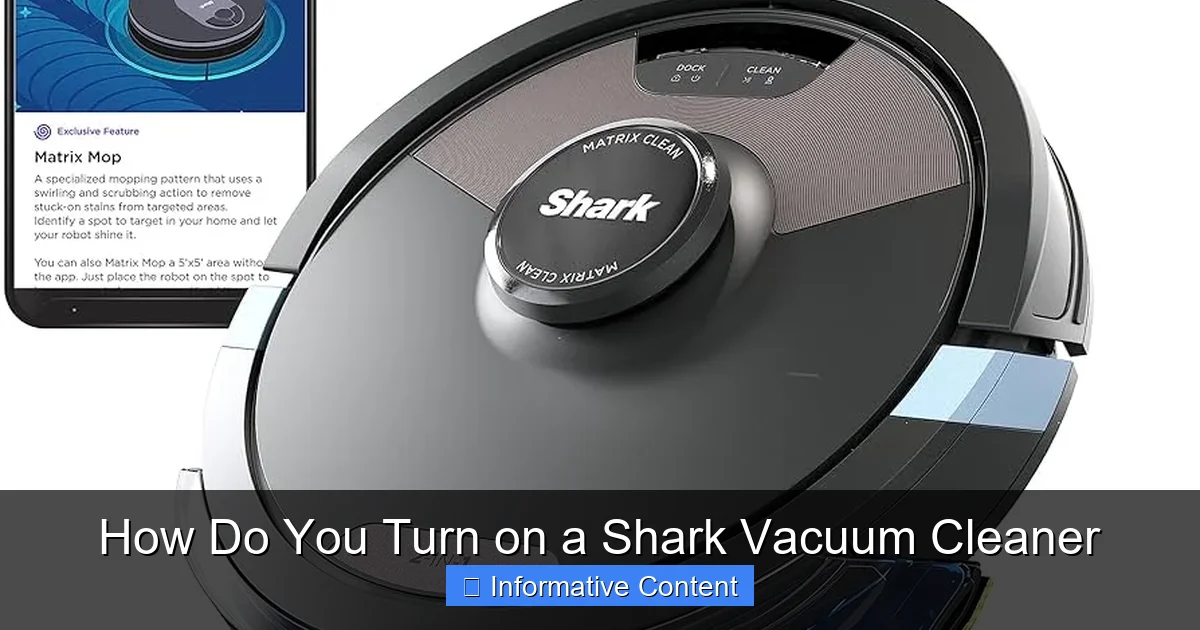
How Do You Turn on a Shark Vacuum Cleaner
Learning how to turn on a Shark vacuum cleaner is usually a simple process, but it varies slightly depending on whether you have a corded or cordless model. For corded vacuums, you plug it in and press the main power button. Cordless units require a charged battery inserted correctly before pressing the power button, often located on the handle. Understanding your specific model’s power mechanism and following a few basic steps will ensure you get your cleaning routine started effortlessly every time.
There’s nothing quite like the satisfaction of a freshly cleaned home. And when it comes to tackling dirt, dust, and pet hair, Shark vacuum cleaners are a popular choice for many households. Known for their powerful suction, innovative designs, and user-friendly features, Shark has made a name for itself as a reliable cleaning companion. But before you can experience that sparkling clean, you need to know one fundamental thing: how do you turn on a Shark vacuum cleaner?
It might seem like a straightforward question, and for the most part, it is! However, with the wide array of models available – from uprights and stick vacuums to cordless and robot cleaners – the exact method for powering up your Shark can vary slightly. Don’t worry, though; whether you’ve just unboxed a brand-new model or you’re a seasoned Shark owner looking for a refresher, this comprehensive guide will walk you through every step, ensuring you can confidently turn on a Shark vacuum cleaner and get straight to tidying up.
Let’s dive in and demystify the power-on process for your trusty Shark vacuum. We’ll cover everything from locating the power buttons to troubleshooting common issues, making sure you’re always ready to conquer messes with ease.
Key Takeaways
- Identify Your Model: Knowing if your Shark vacuum is corded or cordless is the first step, as their power-on procedures differ significantly.
- Corded Vacuums: To turn on a corded Shark vacuum cleaner, simply plug it into a working electrical outlet and then press the main power button, usually located on the vacuum body or handle.
- Cordless Vacuums: For cordless models, ensure the battery is fully charged and correctly inserted. The power button is typically on the handle, and a single press will usually activate it.
- Battery Management is Key: For cordless Shark vacuums, always check the battery’s charge level and ensure it’s securely latched into the vacuum before attempting to turn it on.
- Troubleshooting Basics: If your Shark vacuum won’t turn on, check the power source (outlet/battery), inspect cords for damage, and ensure there are no severe blockages that might trigger safety cut-offs.
- Read Your Manual: Each Shark model can have unique features or button placements. Consulting your owner’s manual is always the most reliable source for specific instructions on how to turn on a Shark vacuum cleaner.
- Safety First: Before plugging in or powering on, ensure your hands are dry, the area is clear of obstructions, and you are using the vacuum on appropriate surfaces.
Quick Answers to Common Questions
How do I turn on a corded Shark vacuum?
To turn on a corded Shark vacuum, first plug the power cord securely into a functioning electrical outlet. Then, locate the main power button on the vacuum’s body or handle and press it once.
What if my cordless Shark vacuum won’t turn on?
If your cordless Shark won’t turn on, check if the battery is fully charged and securely inserted into its slot. Also, ensure there are no major clogs that might be triggering a safety shutdown, and try allowing it to cool down if it recently stopped.
Where is the power button usually located on a Shark vacuum?
The power button on a Shark vacuum is typically located either on the main body of the upright or canister unit, or conveniently on the handle or handheld section for stick and cordless models.
Do I need to charge my cordless Shark battery before its first use?
Yes, it is highly recommended to fully charge your cordless Shark vacuum’s battery before its very first use to ensure optimal performance and battery longevity.
Can a clogged Shark vacuum prevent it from turning on?
Yes, severe clogs in the hose, nozzle, or brushroll can sometimes activate a thermal safety protector, causing the vacuum to shut off or prevent it from turning on to protect the motor from damage.
📑 Table of Contents
- The Core Mechanics: How Shark Vacuums Get Their Power
- Turning On Your Corded Shark Vacuum: A Step-by-Step Guide
- Powering Up Your Cordless Shark Vacuum: Battery and Button Essentials
- When Your Shark Won’t Turn On: Troubleshooting Common Issues
- Maximizing Your Shark’s Lifespan: Power-Related Maintenance Tips
- Safety First: Important Considerations Before You Power Up
The Core Mechanics: How Shark Vacuums Get Their Power
Before we press any buttons, it’s helpful to understand the two main categories of Shark vacuum cleaners when it comes to power: corded and cordless. This distinction dictates the primary method of how you’ll turn on a Shark vacuum cleaner.
Corded vs. Cordless: Knowing Your Model
Corded Shark Vacuums: These are your traditional plug-in models. They draw continuous power directly from an electrical outlet, offering consistent suction without worrying about battery life. Examples include many uprights like the Rotator, Navigator, and Apex series.
Cordless Shark Vacuums: These battery-powered models offer unparalleled freedom of movement, as they don’t rely on an outlet during operation. Stick vacuums like the Rocket and Shark Stratos Cordless often fall into this category. They require their battery to be charged before use.
Identifying which type you have is the very first step in learning how to turn on a Shark vacuum cleaner correctly.
Understanding the Power Button
Regardless of whether your Shark is corded or cordless, it will have a power button. The location and specific design of this button can vary:
- Main Body: On many upright and canister models, the power button is a prominent, often red or clearly labeled, button located on the main body of the vacuum.
- Handle/Pod: Some models, especially stick vacuums or those with detachable pods, place the power button conveniently on the handle or the main handheld unit. This makes it easy to access while you’re maneuvering the vacuum.
- Multiple Settings: Modern Shark vacuums often have more than just an on/off button. You might find buttons for different floor types (e.g., “Hard Floor,” “Carpet”), suction modes (e.g., “Max Power,” “Eco”), or even brushroll activation. These are usually near the main power button or on the display panel.
Battery Basics for Cordless Sharks
If you own a cordless Shark vacuum, the battery is its lifeblood. To turn on a Shark vacuum cleaner that’s cordless, you need to be familiar with its battery:
- Charging: Always ensure your battery is fully charged before use. Shark batteries typically have indicator lights to show their charge level.
- Insertion: The battery needs to be securely inserted into its designated slot on the vacuum. Most Shark batteries click firmly into place, indicating they are properly connected.
- Removal: There’s usually a release button or latch to safely remove the battery for charging or storage.
Turning On Your Corded Shark Vacuum: A Step-by-Step Guide
Getting your corded Shark vacuum ready for action is incredibly straightforward. Here’s how you turn on a Shark vacuum cleaner that’s designed to be plugged in:
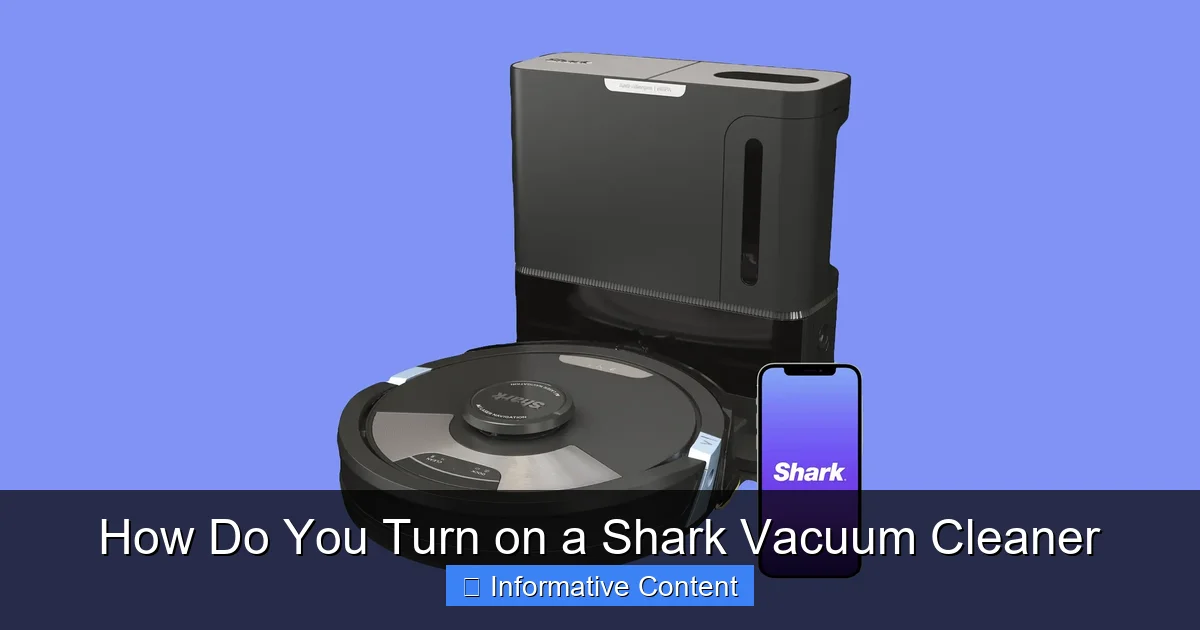
Visual guide about How Do You Turn on a Shark Vacuum Cleaner
Image source: media.wired.com
Locating the Power Cord
First things first, find the power cord. It’s usually wrapped neatly around hooks on the back or side of the vacuum. Unwind enough of the cord to comfortably reach an electrical outlet without stretching it tightly.
Plugging It In Securely
Insert the power plug firmly into a functioning wall outlet. Make sure it’s fully seated and not loose. A loose connection can prevent the vacuum from powering on or even be a safety hazard.
Finding the Power Button
Now, locate the main power button on your Shark vacuum. As mentioned, this is typically a large, clearly marked button. On many upright Shark models, it’s located on the main body, often near the base or on the handle. For example, on a Shark Navigator or Rotator, it’s usually on the main canister unit. A single press should activate the vacuum.
Some models might have a rocker switch (push one side for “on,” the other for “off”) or a simple push-button that lights up when active. Press it, and your Shark should spring to life! You’ll hear the motor start, and the brushroll (if equipped and activated) will begin to spin.
First Use Considerations
If this is your first time using your Shark, or if it has multiple settings, you might need to select a floor type (e.g., “Hard Floor” or “Carpet”) or a suction mode after turning on a Shark vacuum cleaner. These additional buttons are usually located near the main power button or on the handle for easy access.
Turning Off Your Corded Vacuum
To turn off your corded Shark vacuum, simply press the same power button you used to turn it on. The motor will stop, and any lights on the vacuum will turn off. Always unplug the vacuum from the wall outlet when you are finished cleaning and before performing any maintenance or storage.
Powering Up Your Cordless Shark Vacuum: Battery and Button Essentials
Cordless Shark vacuums offer incredible flexibility, but they do require a slightly different power-up routine. Here’s how you turn on a Shark vacuum cleaner that operates on battery power:
Charging the Battery: The First Crucial Step
Before you can turn on a Shark vacuum cleaner that’s cordless, its battery needs to be charged. Most Shark cordless vacuums come with a separate charging dock or a charger that plugs directly into the battery. Connect the charger, and ensure the battery indicator lights show it’s charging. Wait until the battery is fully charged – typically indicated by solid green lights or a specific pattern as per your manual – before attempting to use it.
Pro Tip: Always charge your battery fully before the very first use, and avoid letting it completely drain every time to prolong its lifespan.
Inserting and Removing the Battery
Once charged, locate the battery slot on your cordless Shark. This is usually on the main handheld unit, near the motor. Slide the charged battery into the slot until it clicks securely into place. You should hear an audible click, and the battery should feel firmly attached.
To remove the battery (for charging or storage), look for a battery release button or latch, usually on the battery itself or near its connection point. Press this button and slide the battery out.
The Cordless Power Button: Often More Than Just On/Off
With the battery correctly installed, you’re ready to turn on a Shark vacuum cleaner. The power button on cordless models is almost always located on the handle or the grip of the handheld unit. This makes it super convenient to access with your thumb or finger during cleaning.
On many cordless Shark models, the power button might also cycle through different power modes. For instance, a single press might turn it on to a standard suction mode. Subsequent presses might switch to “Max Power” or “Eco Mode.” Your vacuum’s display panel (if it has one) will usually show the current mode. Refer to your specific model’s manual to understand its button functionalities.
Battery Indicators: Your Power Status at a Glance
Cordless Shark vacuums often feature LED indicator lights on the battery or the main unit. These lights are invaluable for knowing your battery status. They typically show:
- Full Charge: All lights are solid.
- Partial Charge: Fewer lights are solid, or a specific sequence.
- Low Battery: Often a single blinking light or a specific color (like red).
- Charging: Lights might animate or blink in a specific pattern.
Keeping an eye on these indicators helps you avoid running out of power mid-clean and ensures you’re always ready to turn on a Shark vacuum cleaner when needed.
When Your Shark Won’t Turn On: Troubleshooting Common Issues
You’ve followed the steps, but your Shark vacuum cleaner just won’t power up. Don’t panic! Most issues are simple to diagnose and fix. Here’s a troubleshooting guide:
Checking the Power Source (Corded)
- Is the Outlet Live? Plug another small appliance (like a lamp or phone charger) into the same outlet to confirm it’s working. Sometimes a tripped circuit breaker or a faulty outlet is the culprit.
- Is the Plug Secure? Ensure the vacuum’s plug is fully and firmly inserted into the wall outlet.
Battery Check-Up (Cordless)
- Is the Battery Charged? Check the battery indicator lights. If they show low or no charge, place the battery on its charger until full.
- Is the Battery Inserted Correctly? Make sure the battery is fully seated and clicked into place in the vacuum. A loose connection will prevent it from turning on.
Inspecting the Power Cord and Plug
For corded models, carefully examine the entire length of the power cord for any visible damage, cuts, fraying, or pinches. Also, check the plug itself for bent prongs or any signs of damage. A damaged cord is a serious safety hazard and should never be used. If you find damage, contact Shark support for replacement parts or service.
Clearing Blockages
Believe it or not, severe blockages can sometimes prevent your Shark vacuum from turning on. Many Shark models have safety features that will prevent the motor from starting if there’s a significant obstruction in the hose, nozzle, or brushroll area. This is to protect the motor from overheating or damage. Check:
- Nozzle/Brushroll: Remove any hair, string, or debris wrapped around the brushroll.
- Hose/Wand: Disconnect the hose and wand sections and visually inspect them for clogs. You might need to use a broom handle or similar blunt object to dislodge stubborn blockages.
Resetting Your Vacuum
Some Shark vacuums have a thermal protector that automatically shuts off the vacuum if it overheats (often due to a clog). If your vacuum suddenly stopped working and won’t turn back on, try this:
- Turn the vacuum off and unplug it (or remove the battery for cordless models).
- Check for and clear any blockages in the nozzle, brushroll, hose, or filters.
- Allow the vacuum to cool down for at least 45 minutes.
- Plug it back in (or reinsert the battery) and try to turn on a Shark vacuum cleaner again.
Maximizing Your Shark’s Lifespan: Power-Related Maintenance Tips
Proper care not only keeps your Shark performing its best but also ensures it powers on reliably every time. Here are some power-related maintenance tips:
Proper Cord Care (Corded Models)
Never yank the power cord from the outlet; always grasp the plug itself. When storing, loosely wrap the cord around the designated hooks. Avoid wrapping it too tightly, which can damage internal wires over time. Inspect the cord regularly for any signs of wear and tear.
Battery Health for Cordless Models
Treat your cordless Shark’s battery with care. Avoid exposing it to extreme temperatures. Do not store the vacuum with a completely drained battery for extended periods; a partial charge is usually best for long-term storage. Only use the charger specifically designed for your Shark battery.
Regular Filter Cleaning
Clogged filters restrict airflow, forcing your vacuum’s motor to work harder. This can lead to overheating and, in some cases, prevent the vacuum from powering on due to safety cut-offs. Wash or clean your Shark filters regularly as recommended in your manual (usually every 1-3 months). Clean filters ensure optimal suction and reduce strain on the motor.
Storage Best Practices
Store your Shark vacuum in a cool, dry place. For cordless models, if you’re storing it for a very long time, it’s often recommended to store the battery separately and with a partial charge, as mentioned before. Proper storage prevents accidental damage to cords or the vacuum body, which could impact its ability to power on.
Safety First: Important Considerations Before You Power Up
While Shark vacuums are designed with safety in mind, a few precautions are always wise before you turn on a Shark vacuum cleaner.
Read Your Manual
This cannot be stressed enough. Every Shark model is slightly different. Your owner’s manual contains specific instructions for operating, maintaining, and troubleshooting your exact vacuum. It will detail where exactly to turn on a Shark vacuum cleaner for your model and any unique features it might have.
Clear the Area
Before plugging in or powering on, ensure the area around your vacuum is clear. Remove any large objects, loose cords, or small toys that could be sucked up or tangled in the brushroll, potentially causing damage or injury.
Dry Surfaces Only
Shark vacuums are designed for dry vacuuming only. Never use your vacuum to pick up liquids or operate it in wet conditions. Water and electricity are a dangerous combination and can cause electric shock or damage to the vacuum. Ensure your hands are dry when handling the plug or power button.
If you’re using a corded model, be mindful of the cord’s placement to avoid tripping hazards or running over it with the vacuum.
Learning how to turn on a Shark vacuum cleaner is a simple task that forms the gateway to a cleaner home. Whether you have a robust corded upright or a flexible cordless stick, the principle remains the same: ensure a power source is connected, and press the designated power button. By understanding your specific model, keeping an eye on battery life, and performing basic troubleshooting, you’ll ensure your Shark is always ready to spring into action.
Armed with this knowledge, you can confidently unbox your new Shark or tackle any power-up hiccups with your existing one. Happy cleaning!
Frequently Asked Questions
How do I know if my Shark vacuum is corded or cordless?
You can easily tell if your Shark vacuum is corded or cordless by looking for a power cord. Corded models have a long cord that plugs into a wall outlet, while cordless models operate solely on a removable, rechargeable battery.
My Shark vacuum turns on but then immediately turns off. What should I do?
This often indicates a thermal cut-off due to overheating, usually caused by a blockage or dirty filters. Turn the vacuum off, unplug it (or remove the battery), clear any clogs, clean the filters, and let it cool for at least 45 minutes before trying to turn it on again.
Are there different power modes on Shark vacuums, and how do I activate them?
Many Shark vacuums, especially cordless and newer uprights, feature different power modes like “Hard Floor,” “Carpet,” “Eco,” or “Max Power.” These are typically activated by additional buttons located near the main power switch or on a display panel, allowing you to customize suction for various cleaning tasks.
Should I unplug my corded Shark vacuum after every use?
Yes, it’s a good safety practice to always unplug your corded Shark vacuum from the electrical outlet after you are finished cleaning. This prevents accidental activation and reduces any potential electrical hazards when the vacuum is not in use or during maintenance.
How long does it take for a cordless Shark battery to fully charge?
The charging time for a cordless Shark battery can vary depending on the specific model and battery capacity, but it typically takes between 3 to 4 hours for a full charge. Always refer to your vacuum’s owner’s manual for precise charging specifications.
Is it safe to leave my cordless Shark battery on the charger all the time?
While modern Shark batteries often have protection against overcharging, it’s generally best practice not to leave them on the charger indefinitely, especially if storing the vacuum for a long period. Charge it when needed, and remove it once fully charged to help maintain battery health over its lifespan.